35
GB
6
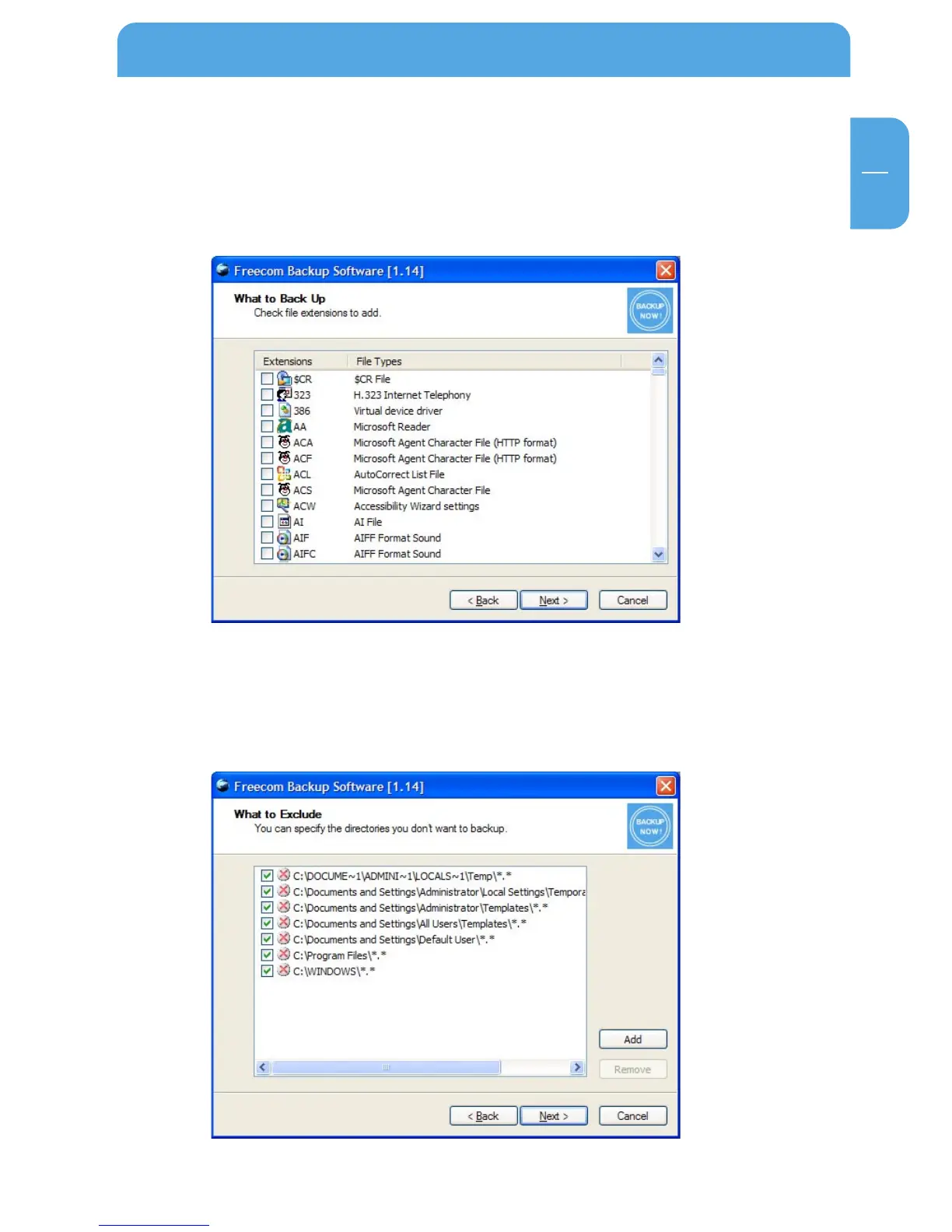
6.1.10 Add extensions
When you click on "Add" a list of all known file types is displayed. Select the file types
you need. In case the file name extension you are looking for is not on the list, then
you can define it yourself. For this go to the end of the list and select "Click here to
add your own extension".
6.1.11 Folders that should not be backed up
In the following window you can exclude folders from being backed up. By default
various folders of the system drive are selected. Click the "Add" button to add a fur-
ther directories. To remove directories from the list, select the directory to be omitted
and then click on "Remove".
Then click on "Next".
Using the Freecom Backup Software



 To Next Page