39
GB
6
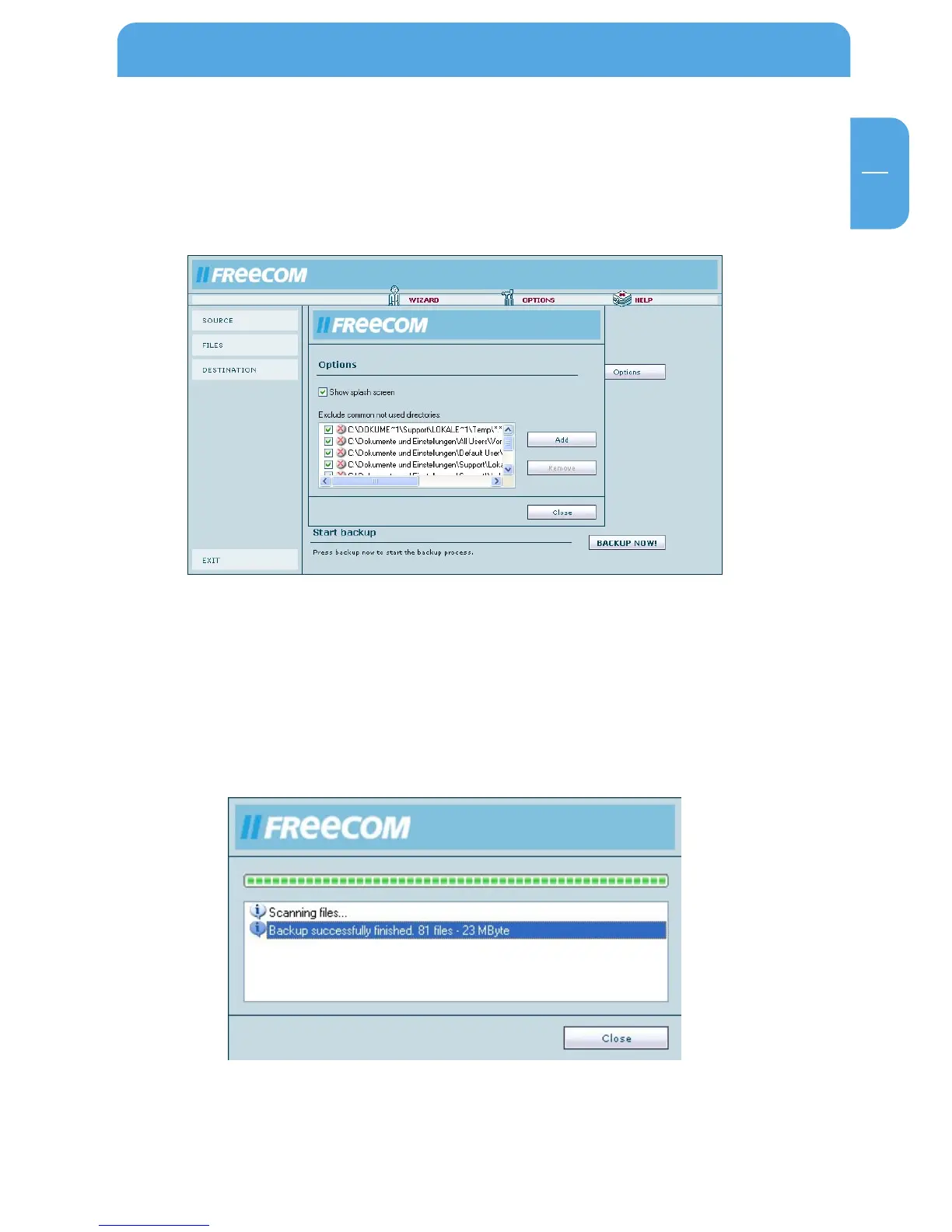
6.2.5 Options
Under Options in the main window the splash screen can be activated or deactivated
that appears when the software is started.
Furthermore folders can be selected that should not be included in the backup.
Click on "Backup Now" to start the backup.
6.2.6 Backup
While the backup is in progress a window is displayed showing the status of the backup.
A bar indicates the progress of the backup. Furthermore the number of backed up files
and the total size of the backup is listed after the completion of the backup.
Once the backup is completed press the "Close" button and you are returned to the main
menu.
Using the Freecom Backup Software



 To Next Page