Get to know your Network Drive Pro
Chapter 2: Get to know your Network Drive Pro
This chapter describes the lights and mechanical layout of the Network Drive Pro.
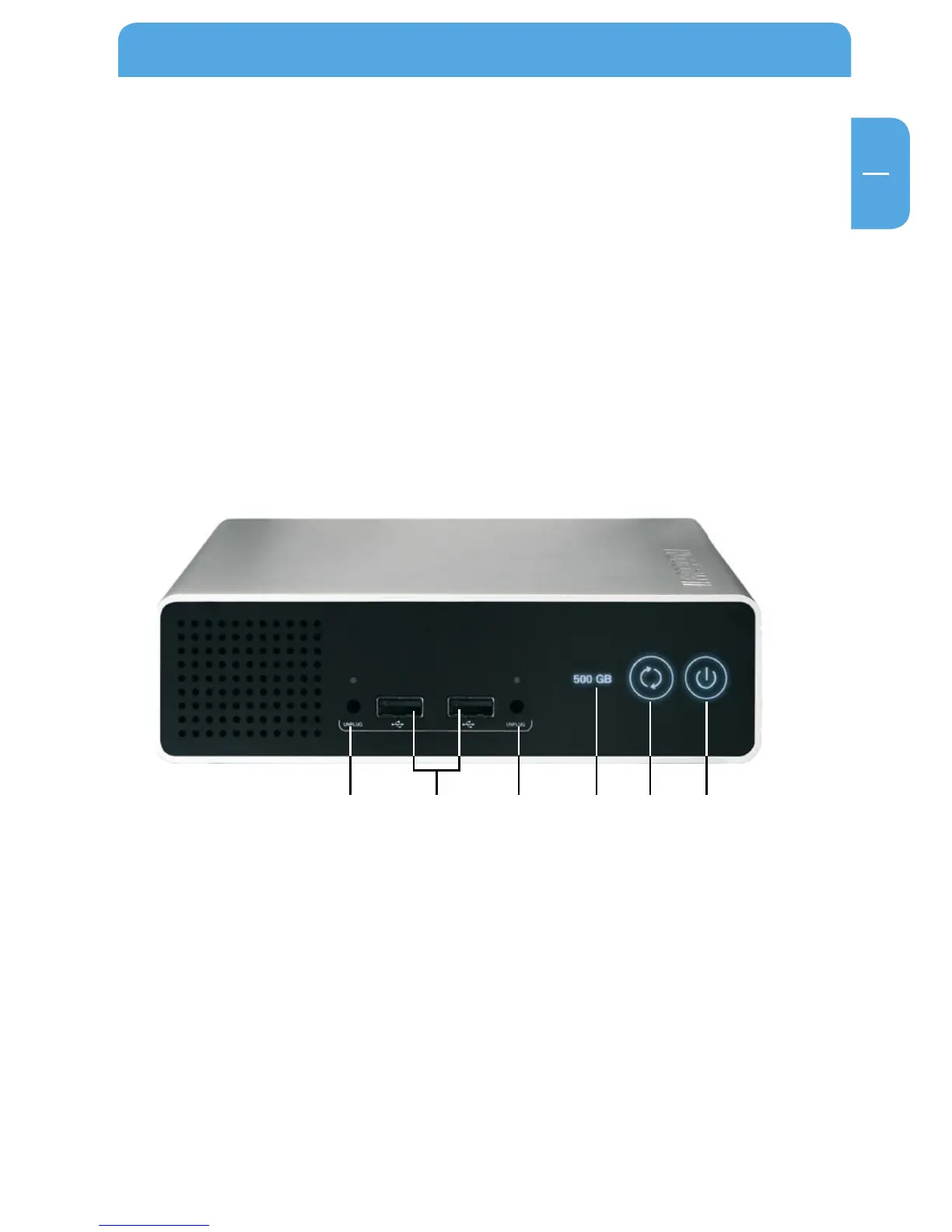
2.1 Network Drive Pro connectors, LEDs and buttons
Front of the Network Drive Pro
The front consists of:
1. On/off switch
*
2. Backup switch: immediate start of selected backup tasks
3. LED with drive space capacity indicator
4. USB Unplug switch (2x)
5. USB Host Port Type A (2 x)
* Press up to 5 seconds to switch off device.
3. 1.2.5. 4.4.



 To Next Page