Get to know your Network Drive Pro
2.2.3 Changing the administrator password
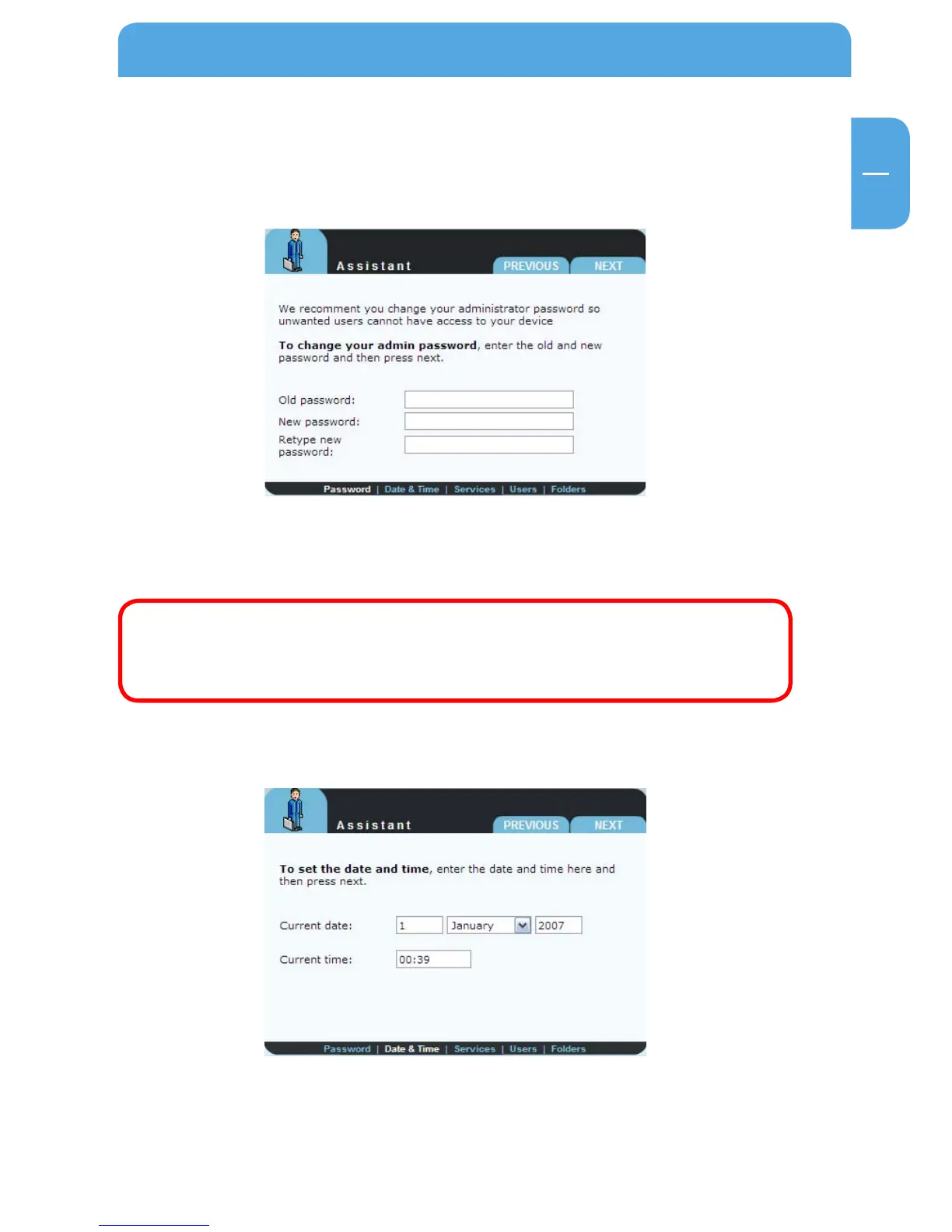
Start the wizard and then click 'Next'. You now have the option of changing the admin-
istrator password.
First enter the old password (factory default setting: 'admin') and then type in the new
password twice. Now click 'Next'.
Note: We recommend changing the password because every Network
Drive Pro comes with the administrator password 'admin', in other words
any person who knows your IP address could potentially access your
Network Drive Pro.
2.2.4 C
hanging date and time
You can change the date and time on the Network Drive Pro in this window by simply
entering the new values and clicking 'Next'.



 To Next Page