Network Drive Pro Functions
3.4 Connections
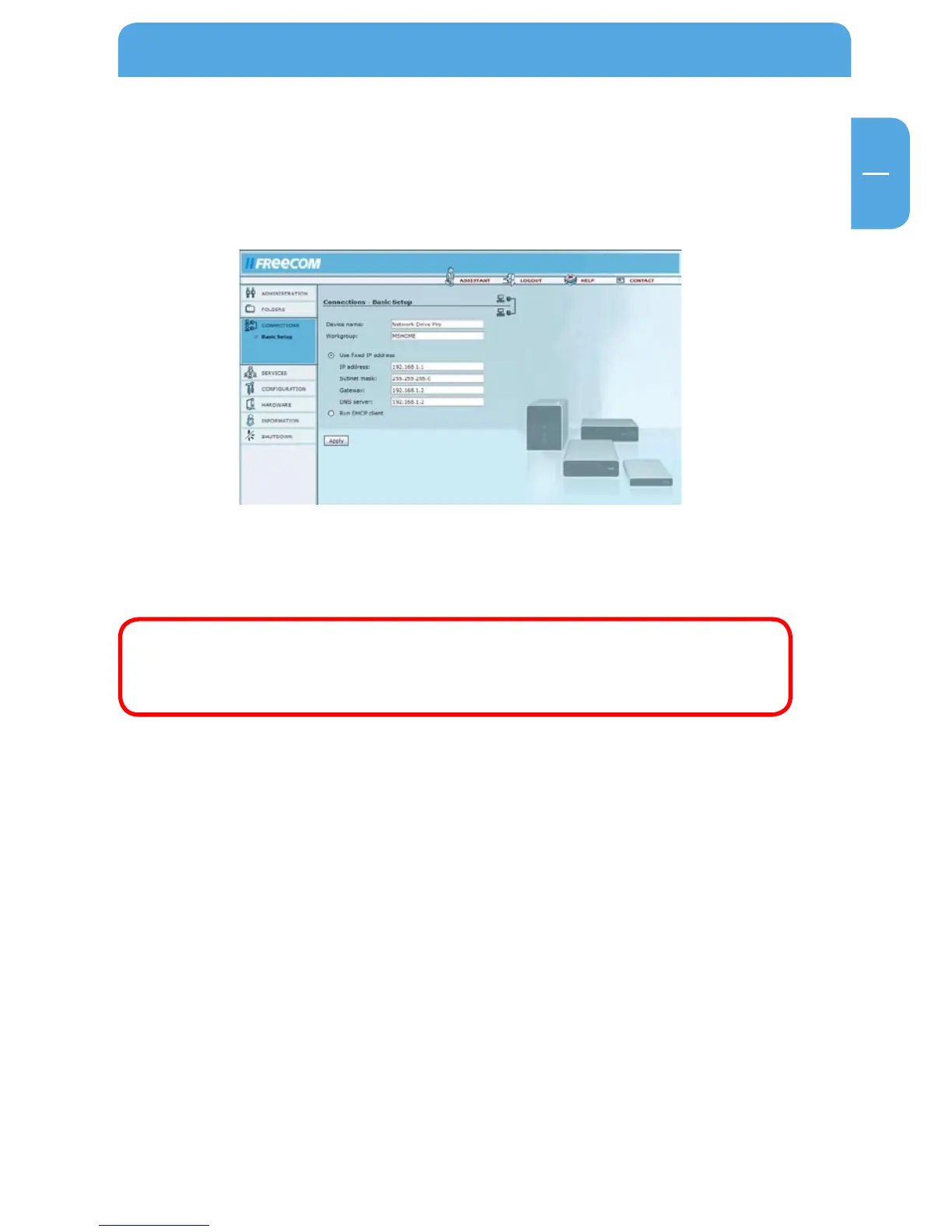
3.4.1 Basic Setup
Go to Connections -> Basic Setup.
Please select if you want to use a set IP address for the Network Drive Pro or if you want
the DHCP Client of the Network Drive Pro to automatically receive an IP address (e.g.,
from a different router).
ATTENTION: Before changing the settings, please consider if you will
still be able to access the Network Drive Pro after the changes have been
made! As an example, the access to the Network Drive Pro without an
DHCP-Server is not possible if you select DHCP Client.
Options Description
Device Name Name of the Network Drive Pro in the LAN.
Workgroup This is the name of the workgroup where your Network
Drive Pro is located.



 To Next Page