Network Drive Pro Functions
3.5.3 FTP Server
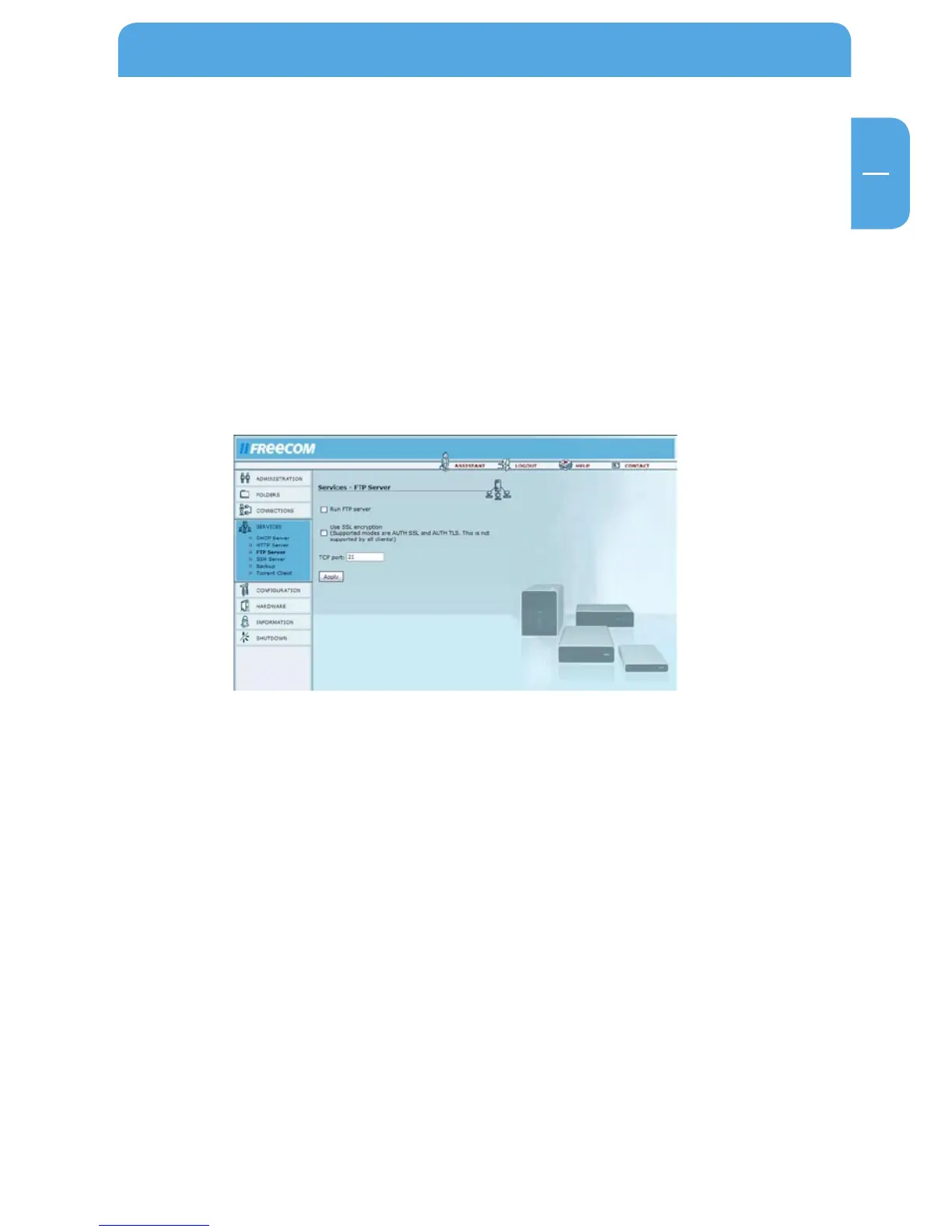
Go to Services -> FTP Server.
This is a File Transfer Protocol (FTP) based server.
Options Explanation
Run FTP server Turn on the FTP server.
Use SSL encryption Activates SSL encryption for FTP. Is not supported
by all browsers.
TCP port Enter a port here if you do not want to use the default
port for FTP (port 21).



 To Next Page