Network Drive Pro Functions
3.5.5 Backup
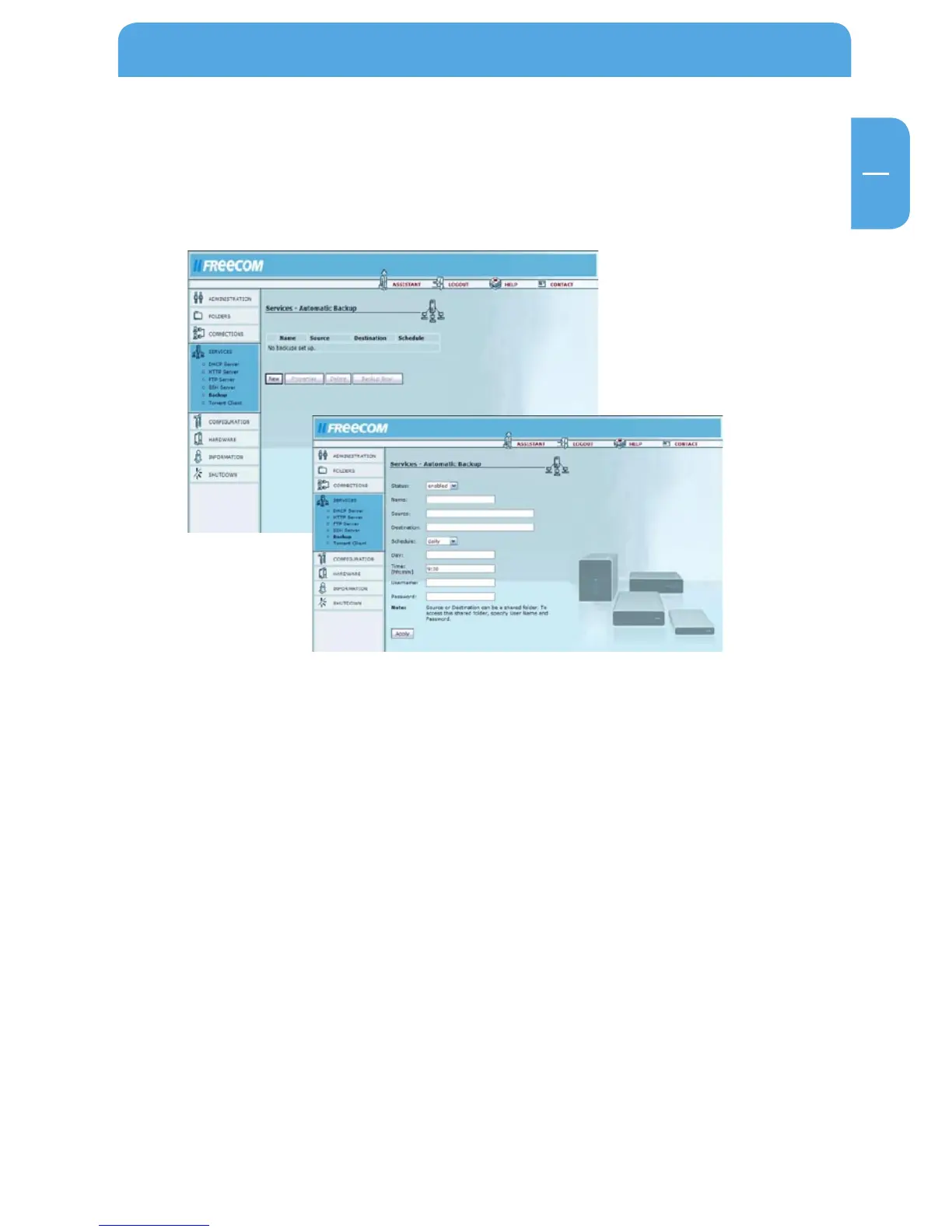
Go to Services -> Backup.
A detailed description on how to set up a backup can be found in chapter 5.6 Click „New“
to create a new backup task.
Options Explanation
Status Displays if the task is enabled or disabled
Name Any name for the backup task that may be chosen
Source Source directory (local folder or shared network folder)
Destination Destination directory (local or network)
Schedule Time plan of the backup (hourly, daily, weekly, monthly)
Day Date when the backup should be started
Time Time when the backup should be started
Username User name if a backup of a shared network folder should
be created
Password Password if a backup of a shared network folder should
be created.



 To Next Page