Network Drive Pro Functions
3.6 Configuration
It is possible to save and restore all Network Drive Pro user settings.
Note: Please do not save your user settings directly on the Network Drive
Pro.
3.6.
1 S
ave configuration
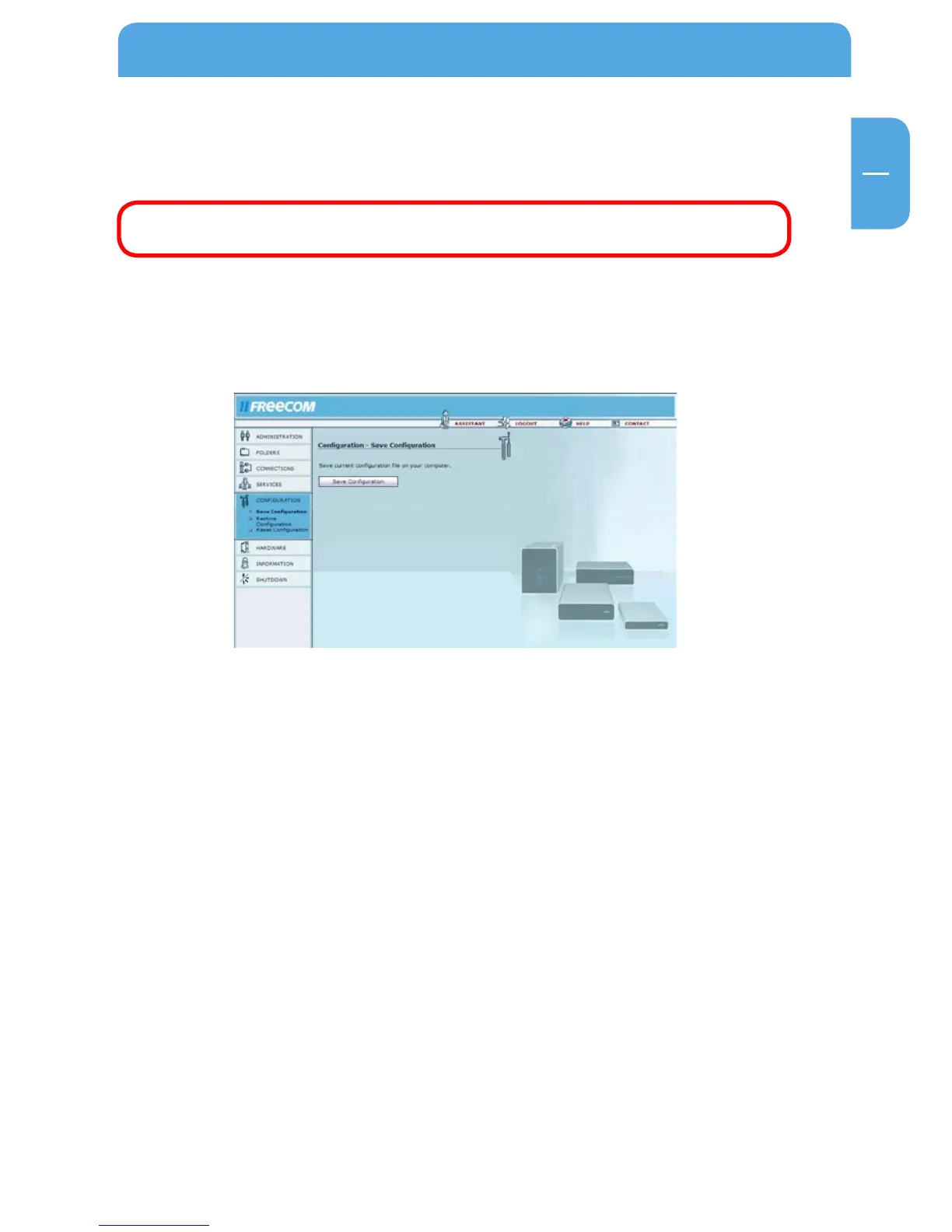
Open Configuration -> Save Configuration.
In this window, you can save the current configuration file on your computer.
After pressing the button, you are asked where you want to save the back-up copy of
the configuration file. Select a location and click 'Save Configuration'.



 To Next Page