Freecom Network Drive Pro
4.1.1 Configure basic settings of your Freecom Network Drive Pro
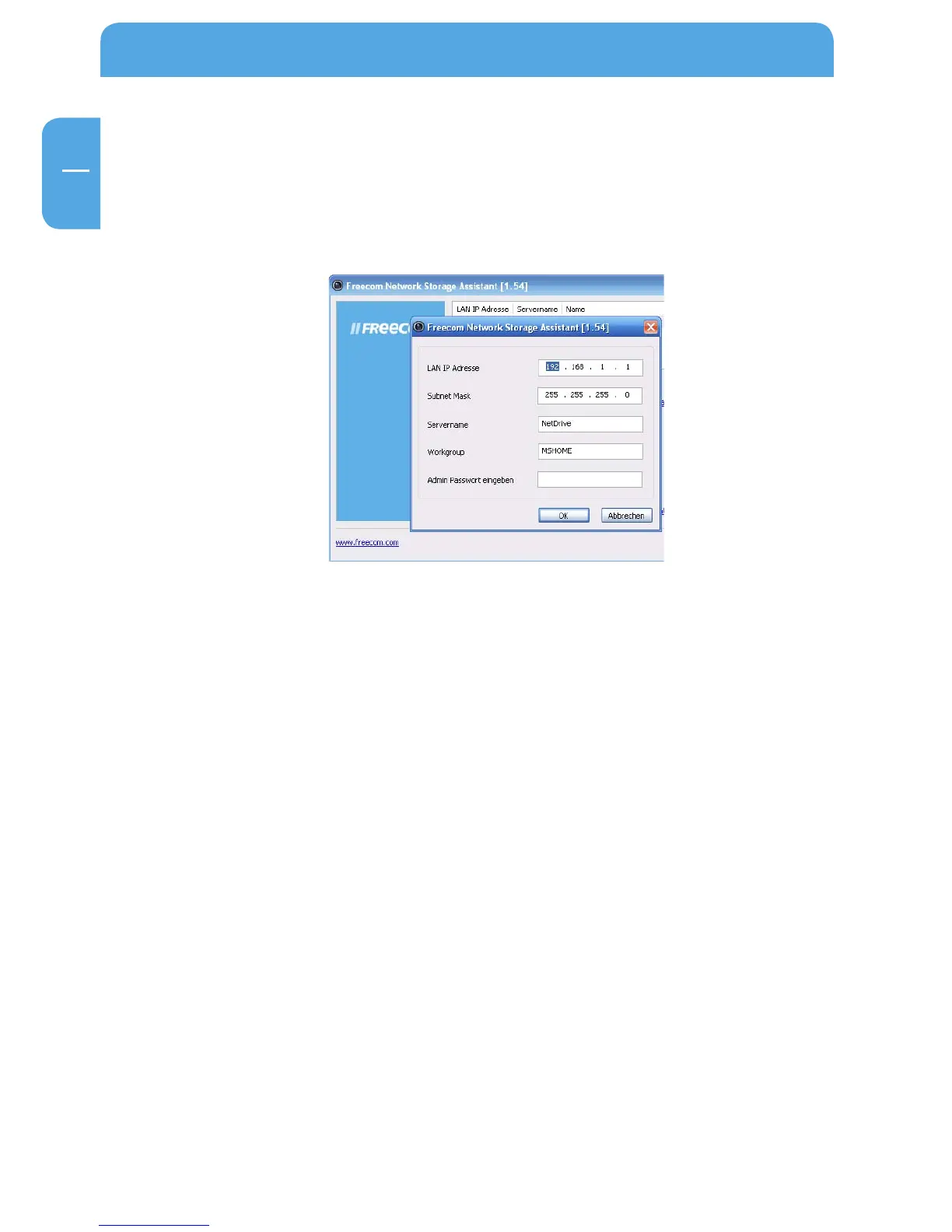
In this screen, you can set an IP address, subnet mask, device name and workgroup name
for your Network Drive Pro. With this information, it is easy to locate your Network Drive
Pro in the network without the wizard. To change the settings, you have to first enter
the administrator password.
4.1.2 Accessing your Network Drive Pro web interface
When you click this menu item, the web interface for your Network Drive Pro opens in
your default browser.



 To Next Page