Network Drive Pro in everyday use
Note: You can also use the Freecom Network Storage Assistant for quick
installation of your printer in Windows. For detailed instructions on
usingthe FNSA, please refer to chapter 4, 'The Freecom Network Storage
Assistant'.
Mac OS X: Installing a USB printer
To install a USB printer, connect the printer to one of the USB host ports on the Network
Drive Pro. Check to make sure the Network Drive Pro is on. Then turn the printer on.
1. Connect a USB printer to the Network Drive Pro.
2. Open the Network Drive Pro Configuration page and check whether the printer was
detected under 'Information' -> 'Devices'.
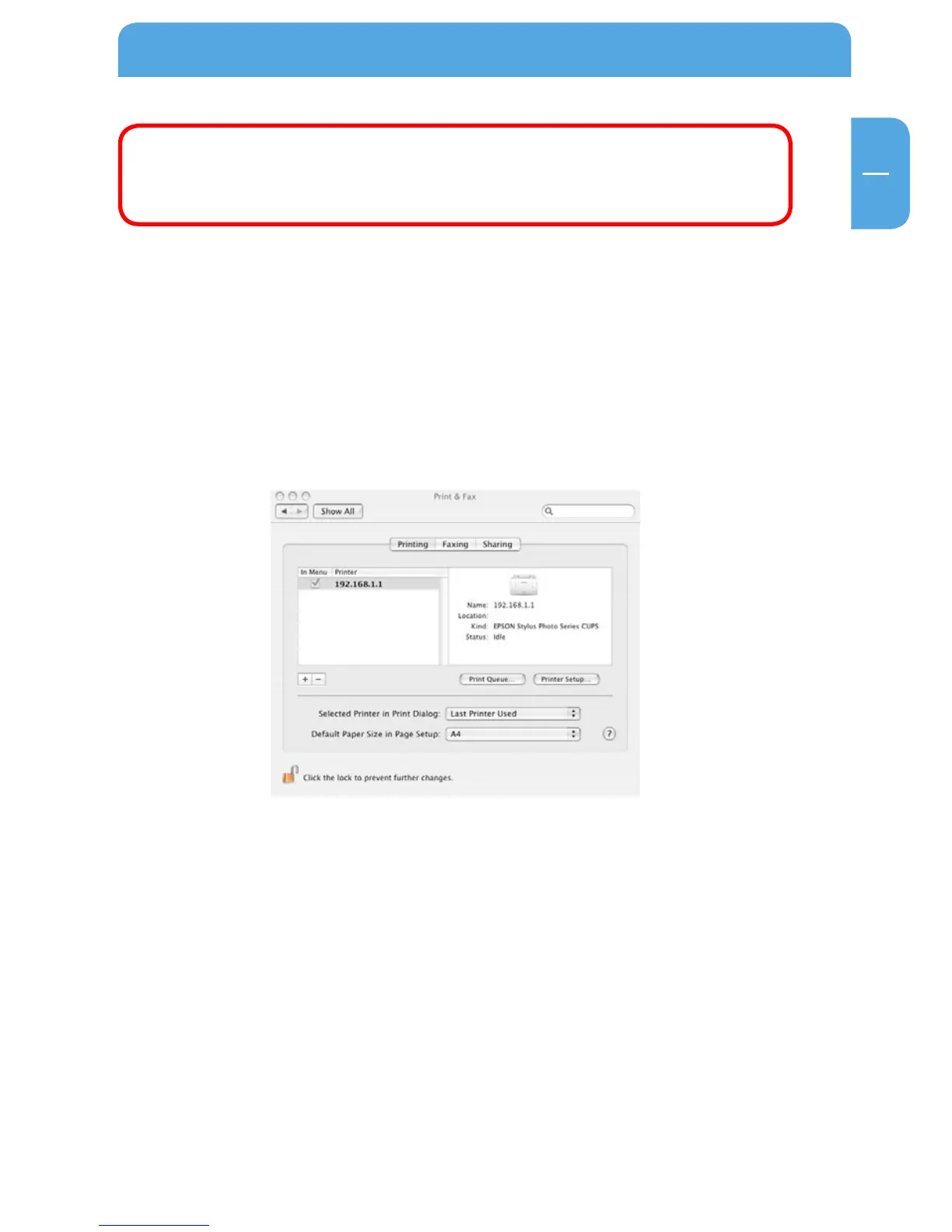
3. Open 'System preferences' -> 'Printing & Faxing'.
4. Click '+' to add a new printer.
5. The 'Printer Browser' opens. Select 'IP printer' as the printer type and select the fol-
lowing settings:
A list of available printer drivers is now compiled.
Protocol: HP Jet Direct-Socket
Address: 192.168.1.1:9100 (replace 192.168.1.1 with the IP address
that you set for your Network Drive Pro)
Queue name: You may leave this field blank.



 To Next Page