Freecom Network Drive Pro
5.4.2 Connecting with the SSH server for Windows
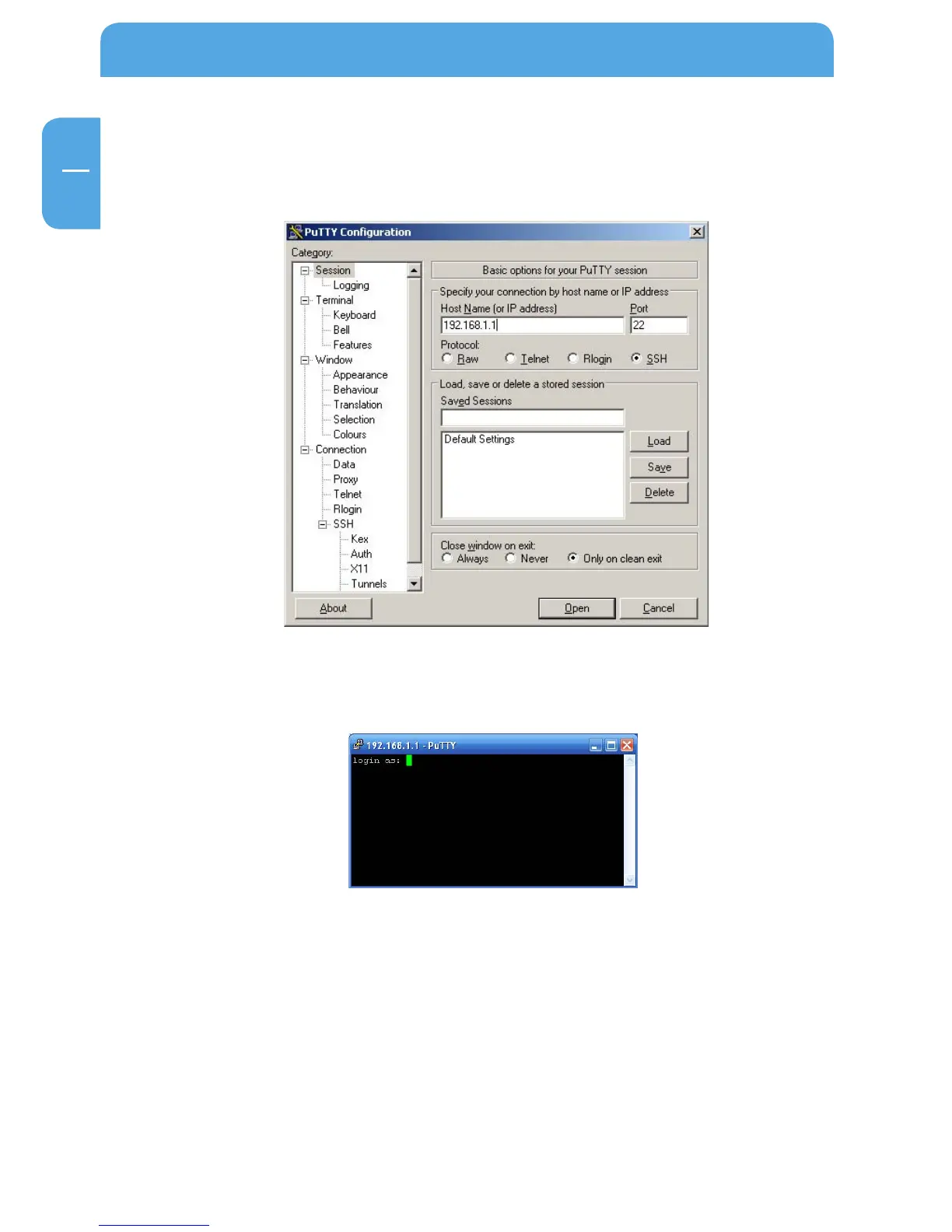
Install an SSH client (e.g., PuTTY) and start it. Enter your Network Drive Pro's IP address/
hostname:
With PuTTY, you only need to enter the IP address and hostname, and can leave all other
settings unchanged. To connect, simply press 'Open':
Log on with the username and password.



 To Next Page