RUBY 10 Setup and Use 13
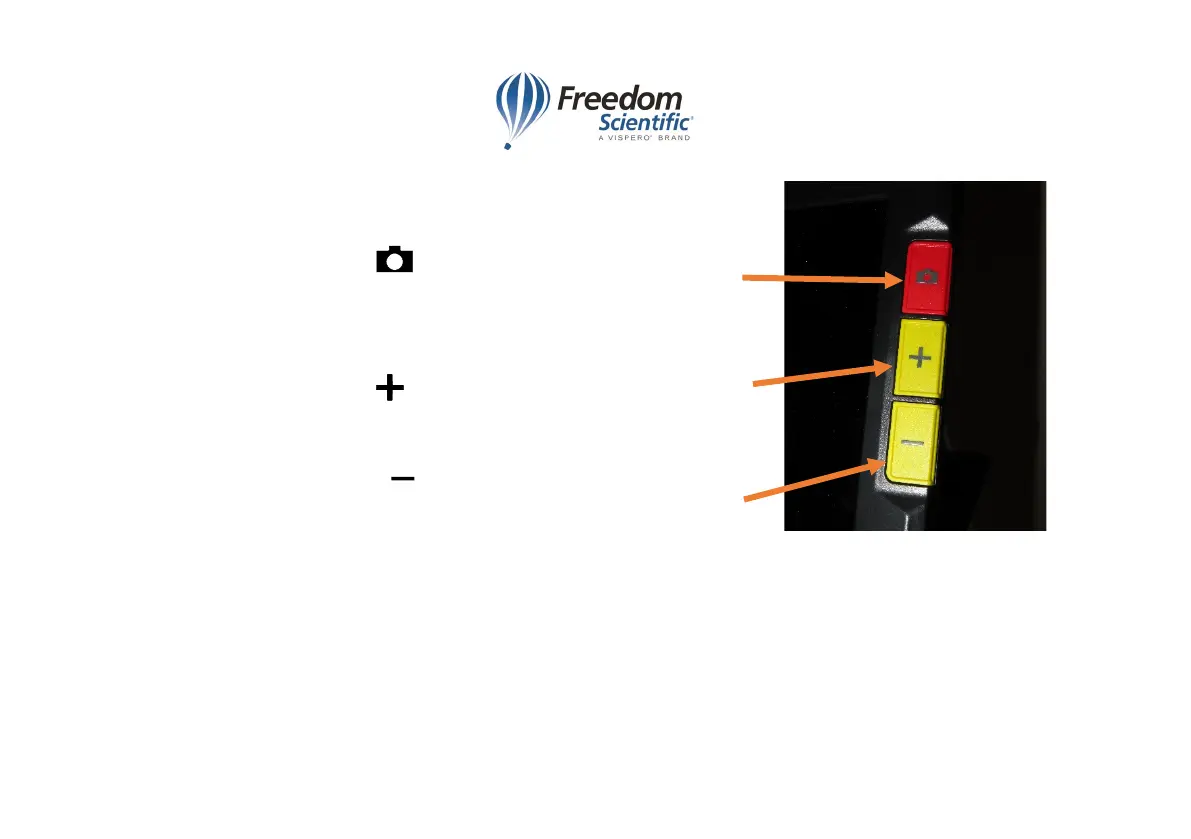
Right side, top to bottom
4 Capture button takes a picture of whatever is
displayed on the screen or returns to live view. Double
press captures, recognizes text and starts reading.
5 Zoom in button increases size of image or font
size of text, so less of the image or text is shown.
6 Zoom out button decreases size of image or font
size of text, so more of the image or text is shown.



 To Next Page