7
Magnifying with RUBY
How far you hold RUBY from an object determines the level of magnification.
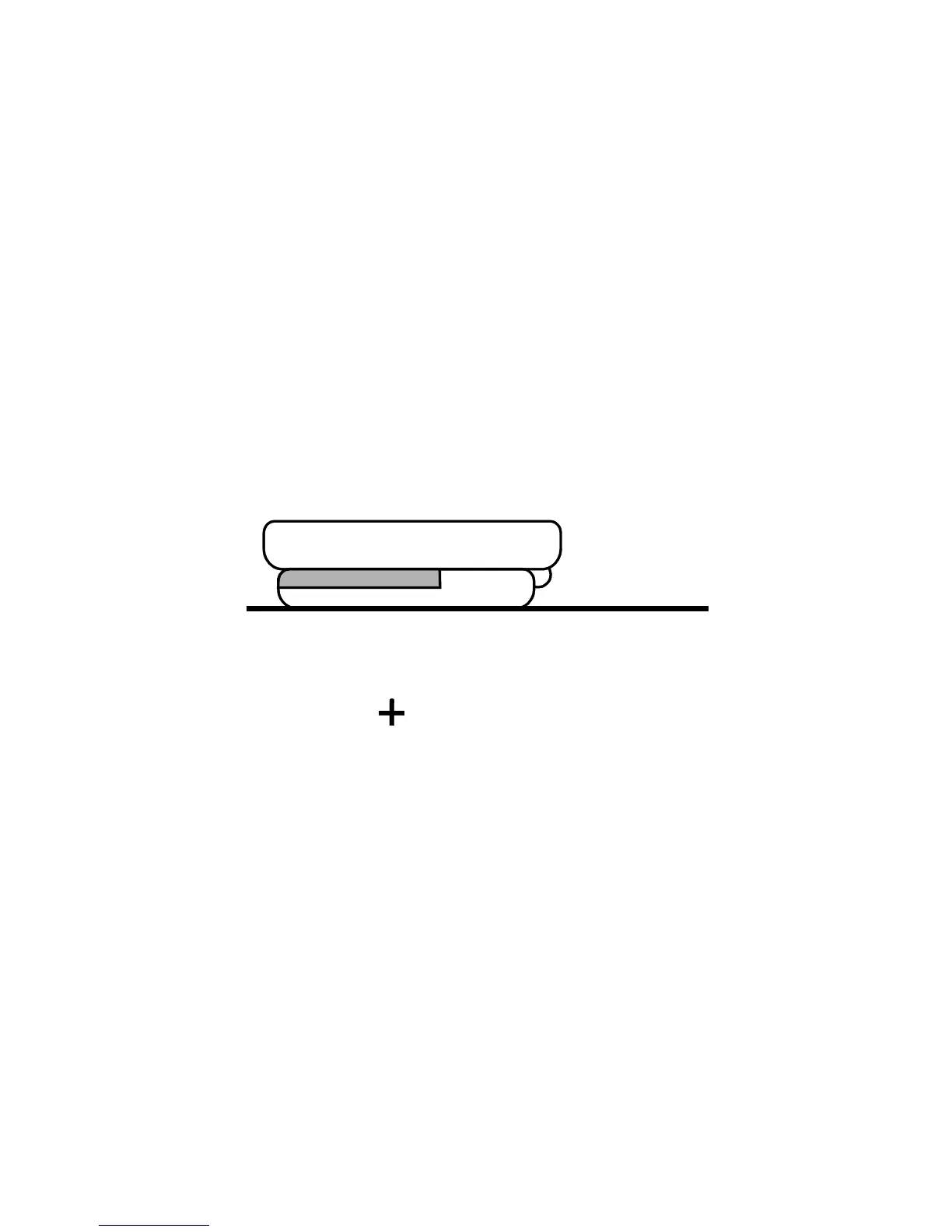
Placing RUBY with Handle Closed on a Document
The starting magnification is 5X when you place RUBY directly on a
document with the handle folded closed.
Press the yellow button once to increase to 7.5X magnification.
Press again to increase to 10X magnification.
Press a third time to return to 5X magnification.



 To Next Page