Getting started
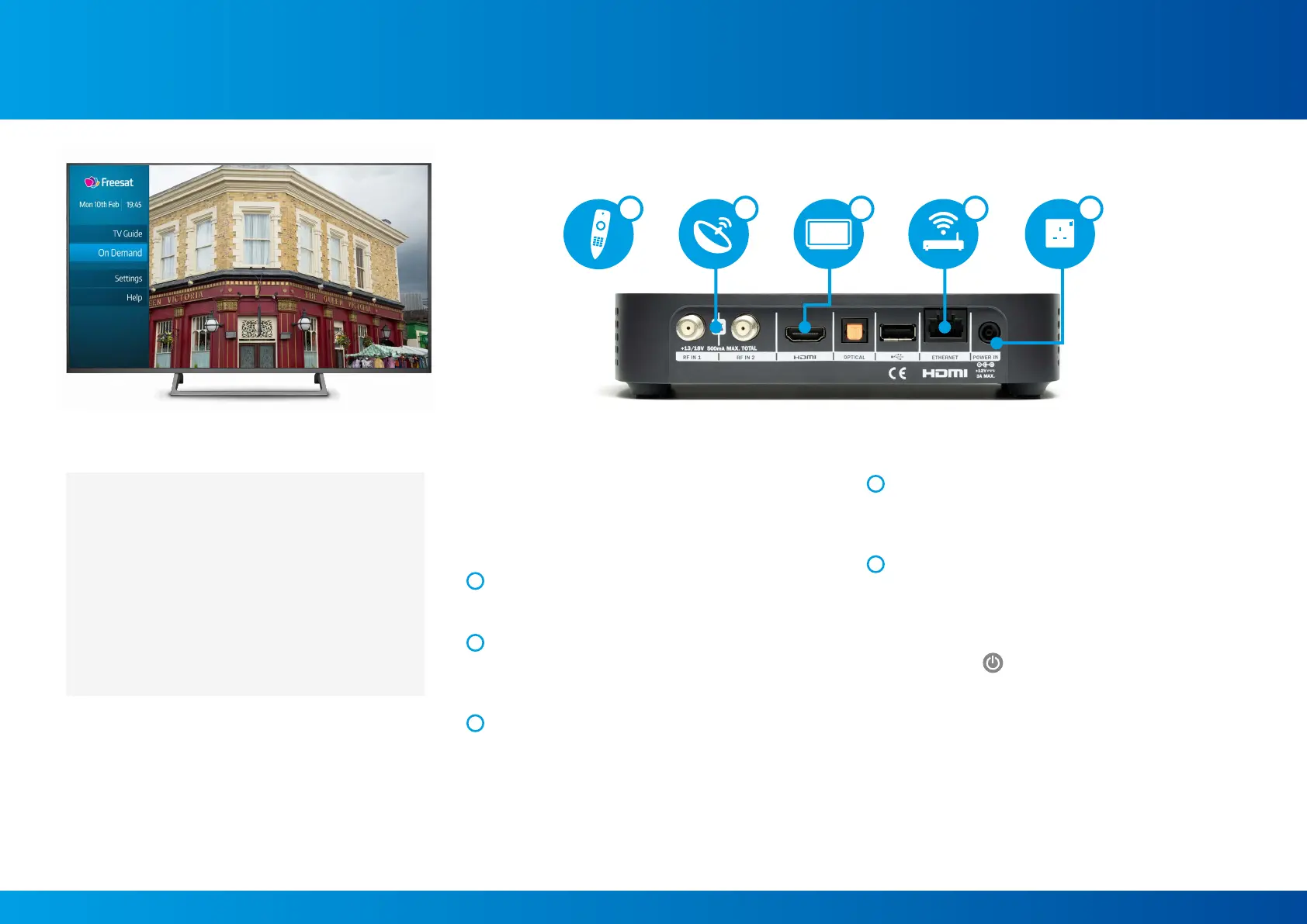
Connecting your Freesat TV Box to your TV:
Please refer to the Safety Notice (supplied separately)
before installing your Box.
Do not plug your Box into the wall socket until you have
completed these steps.
1
Start by inserting the batteries into the remote control
unit, as shown by the markings inside the battery
compartment.
2
Next, connect the cables from your satellite dish to the
sockets labelled RF IN 1 and RF IN 2 on the back of your
Box by screwing them in. If your satellite dish cable only
has one connector, it can be connected to either socket.
3
Now, connect your Box to your TV using the HDMI
cable provided.
4
If you are connecting your Box to your broadband router
using an Ethernet cable (not included) please do so now,
or you can connect wirelessly later during the start-up
process.
5
Finally, connect the power supply unit to the
POWER IN socket, then plug it into the wall socket and
switch it on (the light on your power supply unit will
illuminate when the power is on).
Power up your Box by pressing the button on the top of the
Box or by pressing
LIST
TEXT
LIST
TEXT
INFO
BACK
EXIT
INFO
BACK
EXIT
R
R
R
ADSUB
AD
SUB
HOME
on your remote control. Turn on your
TV and you’re ready to go!
1
Check you have everything in your box:
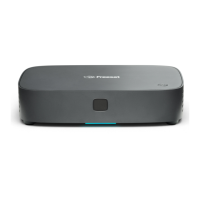
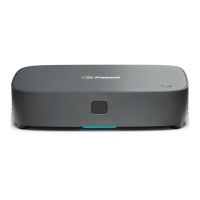
• Freesat 4K TV Box
• Remote control
• 2 × AAA Batteries
• Power Supply Unit with power cable
• HDMI cable
• Quick Start Guide
• Safety Notice
2 43 5
5


 To Next Page