Quick Start Guide
Step-by-Step Installation Instructions
This quick start guide is designed to provide step-by-step guidelines to get
you ready to develop your applications using the FRDM-KL25Z within
minutes.
Before connecting
the hardware
1. Download and install Windows USB
Driver OpenSDA Support from P&E
Micro Systems v11_120720 or later,
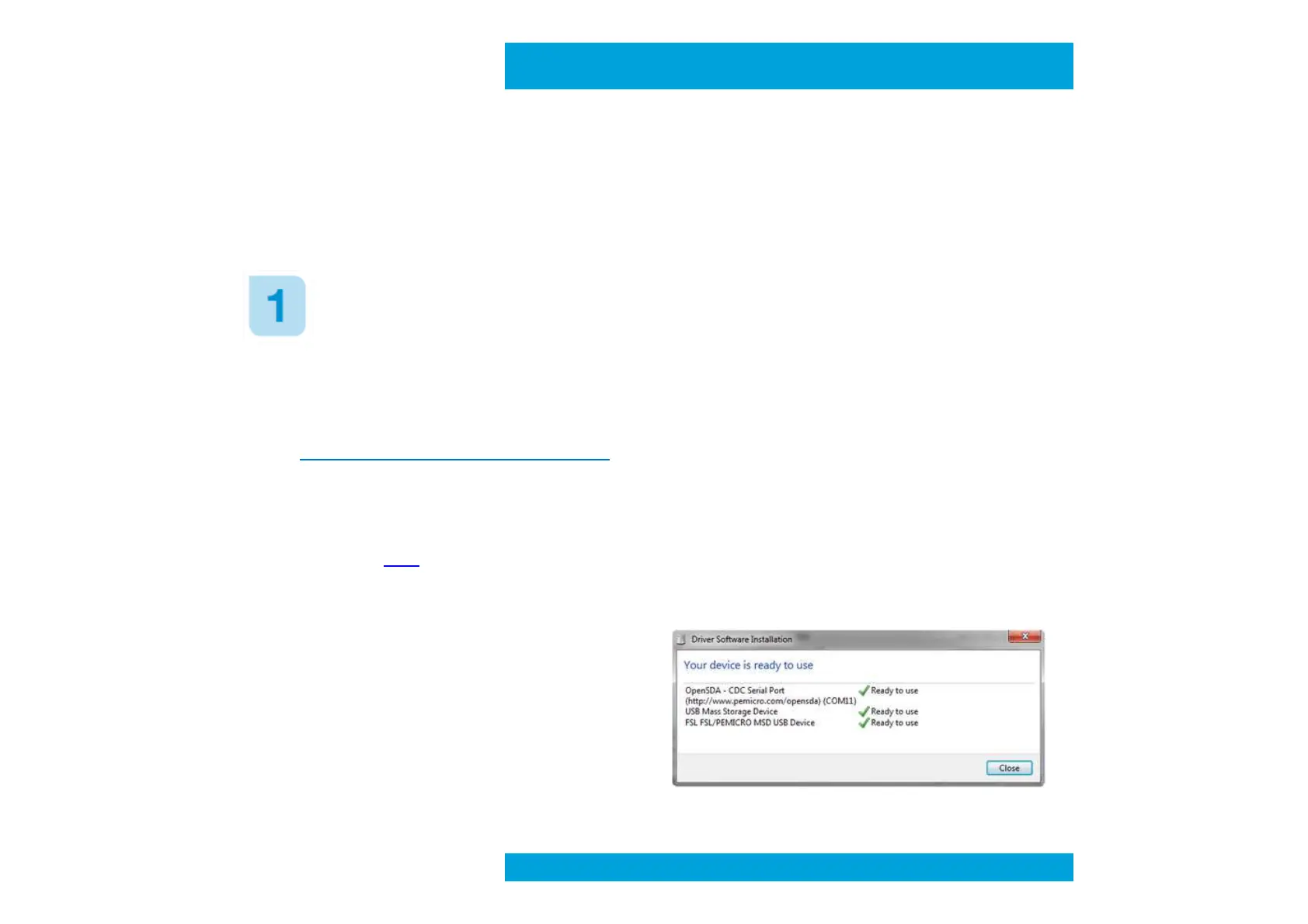
3. During manufacturing OpenSDA MSD
Application was already preloaded in
the board, so when you will connect for
the first time FRDM-KL25Z a “Freescale
MSD USB Device” will be detected and
the right driver should automatically
2. Download and extract FRDM-
KL25Z_v1.00 zip file or later,
available HERE on E14 Community
“OpenSDA – CDC Serial Port” will be
detected by Windows and might
request a driver file available in the
“Windows Device Driver” folder
from the FRDM-KL25Z_v1.00 zip file.
NOTE : During the installation some warning messages concerning Windows compatibility might
appear, just click on “Continue”
Preliminary



 To Next Page