Getting Started with OpenSDA MSD Flash Programmer
NOTE : FRDM-KL25Z were already preprogrammed in factory with OpenSDA MSD Flash
Programmer application so you can move directly to step 4.
1. Enter FRDM-KL25Z in Bootloader mode using the following procedure:
• Unplug the USB cable if attached
• Press and hold the RESET/Bootloader button
• Plug in a USB cable from a USB Host to the OpenSDA USB port
• Release the RESET/Bootloader button
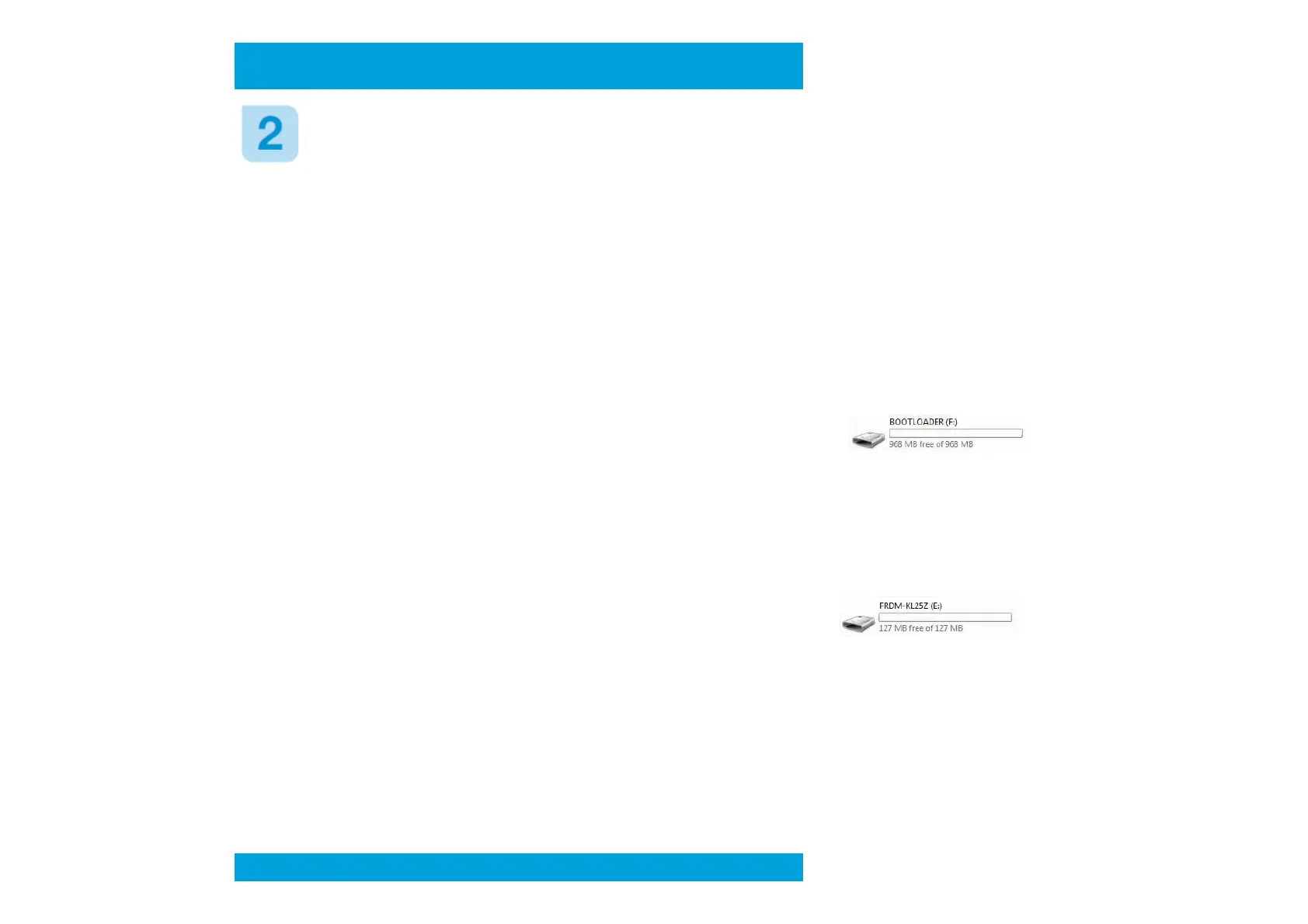
• A new removable drive should now be visible with a volume label of “BOOTLOADER”
3. Load the OpenSDA MSD Flash Programmer application using the following steps:
• Drag/drop or copy/paste the application file MSD-FREEDOM-KL25Z.SDA available in the
"SDA application” folder from the FRDM-KL25Z_v1.00 zip file to the “BOOTLOADER” drive
• Unplug the USB cable and plug it in again
• A new removable drive should now be visible with a volume label of “FRDM-KL25Z”
4. Use the MSD Flash Programmer as below:
• Drag/drop or copy/paste an s-record (commonly a .s19 or .srec) precompiled demo file
available in the "S-RECORD project examples” folder from the FRDM-KL25Z_v1.00 zip file to
the “FRDM-KL25Z” drive.
• If programming is successful, the embedded application will begin execution automatically.
• Unplug and re-attach the USB cable to program another embedded application.
Preliminary



 To Next Page