VILTA
1. Tap and open Slow Motion.
2. Tap to start recording. Tap to exit recording.
Videos will be automatically saved to documents.
04
Slow Motion Video
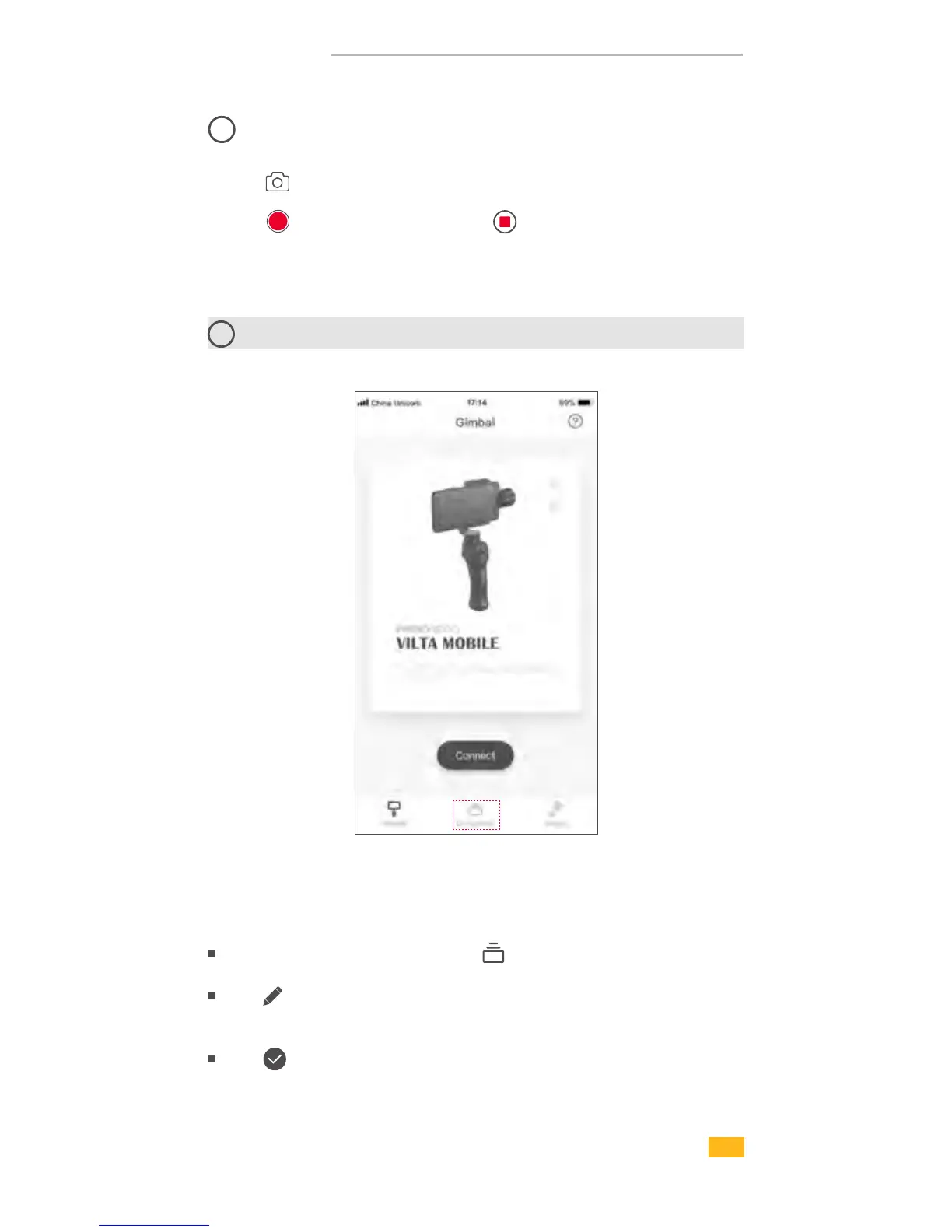
Enter App home page and tap on the bottom
Tap to choose the photo and editing ( Filter, Beautify,
Adjust, Mosaric, Crop, Paint )
Tap to confirm editing
11
Photo/Video Editing
1. Photo Editing
19


 To Next Page