FC111/113
22
GB
User menu
Press and hold for 2 seconds.
Browse between the menu options.
Confirm
Home screen
See the table on the following page for the choices
which are possible.
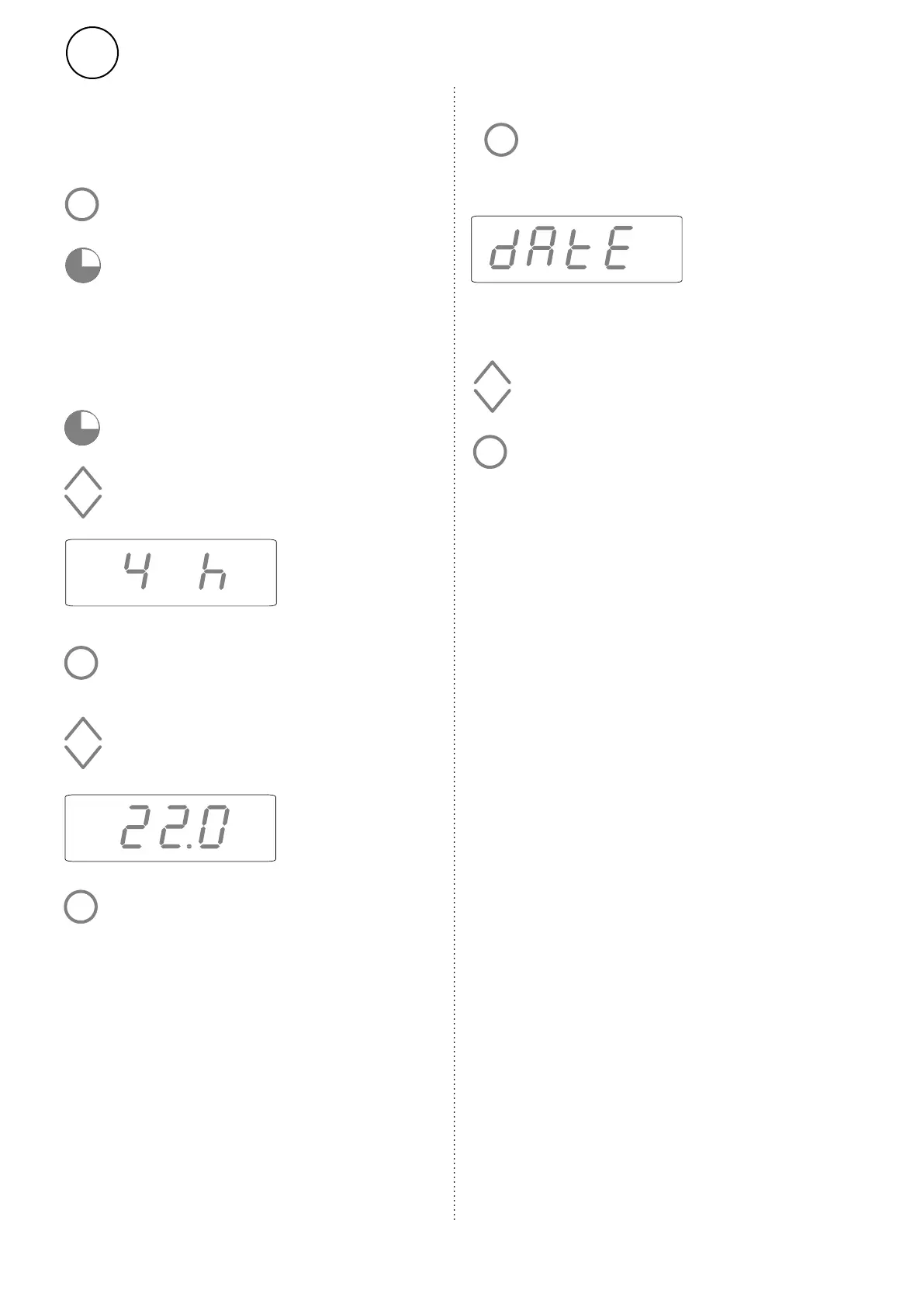
Timer
The set point temperature can be changed for
a limited period using the timer (15 minutes
to 45 days).
15 minutes - 45 days (’ minute, h hour, d day)
Set the desired time.
Set the desired room temperature (set
point temperature).
Confirm
Press to activate keypad.
Press to start timer at the preset values
(1 h, 24 °C) or the most recently used
values).
Confirm
Press and hold for 2 seconds.
Or to adjust the time and temperature values:
While the timer is counting down, the
screen alternates between displaying
the time remaining and the set point
temperature. The current temperature is
not shown in the timer mode.
When time is up the unit returns to previous
settings.


 To Next Page