EasyManua.ls Logo

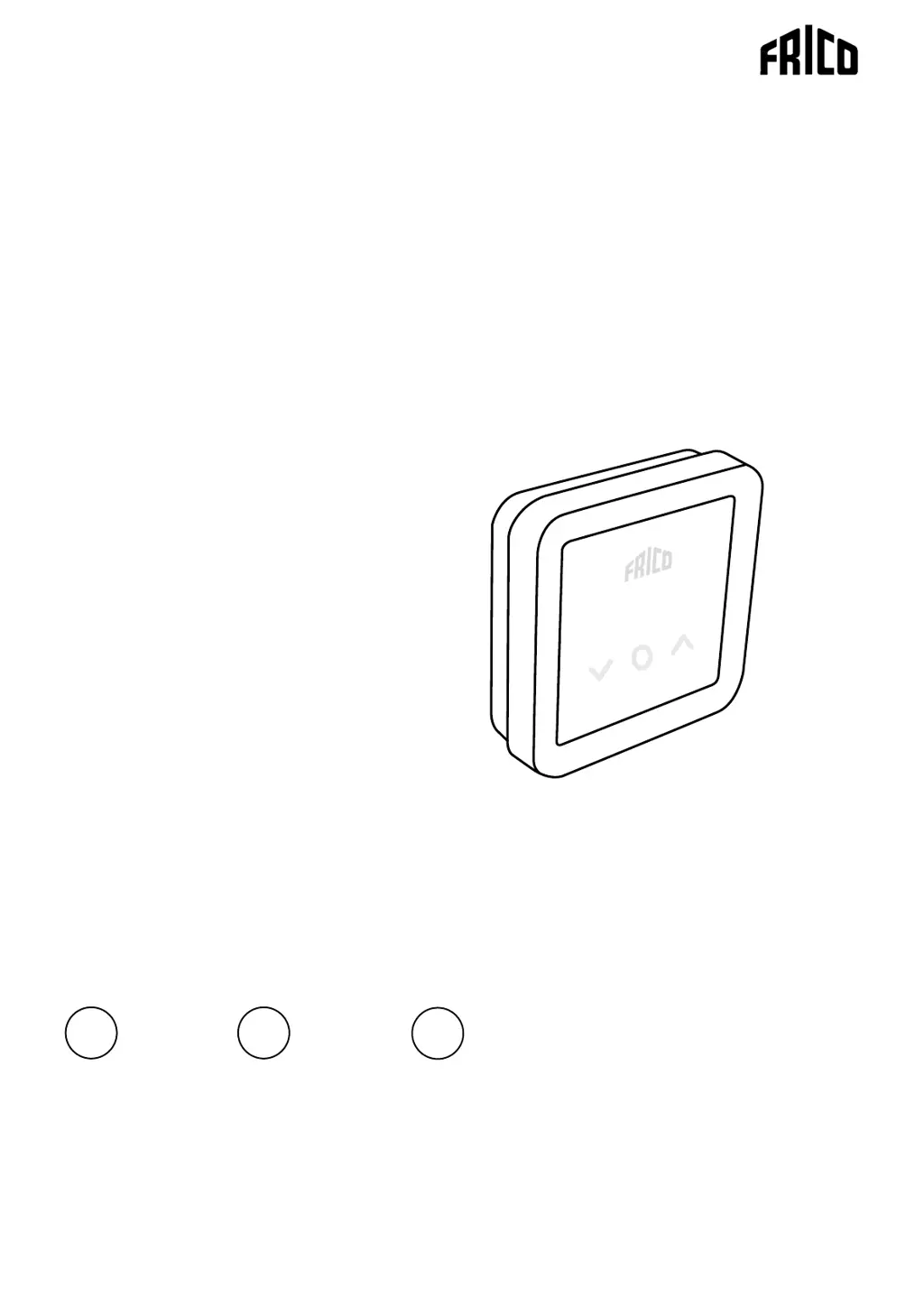
Frico FC Series - User Manual

Frico FC Series
14 pages
Print Icon
To Next Page IconTo Next Page
Loading...
Control system FC
.... 6
SE
.... 13
NO
Original instructions
Standalone level - FC111, FC113
.... 20
GB

Questions and Answers

Summary

Control System FC Introduction

FC111 and FC113 Overview

Introduces the FC111 and FC113 control systems and their standalone levels.

FC111 Wiring Diagrams

FC111 - 230 V~ Wiring

Wiring diagram for the FC111 system at 230V supply.

FC111 - 400 V2~ Wiring

Wiring diagram for the FC111 system at 400V2~ supply.

FC113 Wiring and Bus Termination

FC113 - 400 V3~ Wiring

Wiring diagram for the FC113 system at 400V3~ supply.

Communication Bus Termination

Explanation of how to terminate communication buses to prevent interference.

Included System Components

Component Identification

Lists components like FCCH, FCPOBH, FCPOB3H, FCBC05.

Component Physical Dimensions

Provides physical dimensions (HxBxD) for included system components.

Optional Accessories

Optional Accessories List

Details optional accessories like sensors and cables.

Accessory Specifications

Lists specifications such as cable lengths and dimensions for optional accessories.

System Operation and Configuration

System Start-Up Procedure

Guide to initial system checks, assembly, connection, and power-up.

System Solution Types

Describes system configurations based on sensor usage.

Sensor Applications

Details the function of black bulb and outdoor temperature sensors.

Control Panel Interface

Control Panel Elements

Explains the keypad, screen display, and indicator LEDs.

Indicator Mode and Status Meanings

Details the color codes and meanings for operating mode and status indicators.

Display Lock Functionality

Instructions for activating and deactivating the display lock feature.

Timer and User Menu

Timer Operation

How to set a temporary temperature using the timer function.

User Menu Access and Navigation

Guide to entering the user menu and browsing through options.

User Menu Function Descriptions

Detailed explanations for user menu options like Date, Heat, OFF, SET, CLr.

Weekly Program Management

Activating Weekly Programs

Steps to activate preset weekly programs via the user menu.

Preset Program Schedules

Details the nine preset weekly programs (P0-P9) and their time schedules.

Temporary Setpoint Override

Method for temporarily changing the setpoint temperature outside of programmed schedules.

System Settings Configuration

Accessing and Changing Settings

Procedure for entering the settings menu and modifying system parameters.

List of System Settings

Detailed table of settings, their default values, and functionality.

Troubleshooting and Alarms

Error Code Reference

List of error codes, their causes, and recommended troubleshooting actions.

Alarm Reset Procedure

Instructions on how to manually reset system alarms.

Company Contact Information

Frico AB Contact Details

Main office address, telephone number, and website for Frico AB.

Frico FC Series Specifications

General IconGeneral
BrandFrico
ModelFC Series
CategoryControl Systems
LanguageEnglish