15
Changing Color Panels
Some models come with reversible door panel inserts.
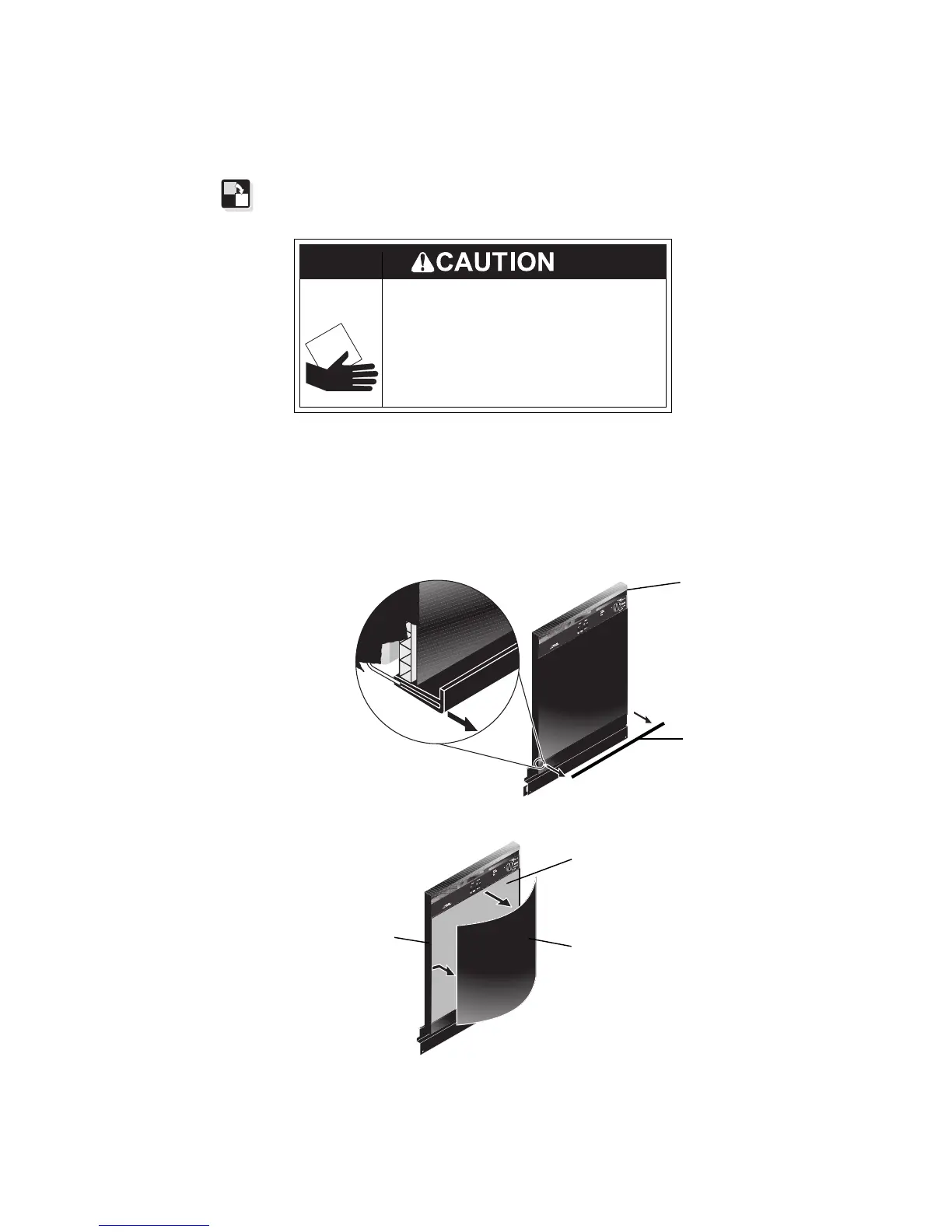
2. Grasp top and bottom of panels and bow slightly until they are clear
of trim. DO NOT REMOVE SPACER.
To change the color panel:
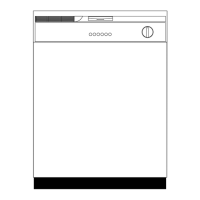
1. Remove snap-on bottom trim by pulling forward. Support color
panel(s) at bottom while removing trim. Slide color panel(s)
downward
1
/
2
”.
Metal door panels are sharp and
should be handled with care.
Wear gloves to protect hands.
Failure to do so can result in
injury.
Cut Hazard
Spacer
Side
Trim
Color Panel(s)
Bottom
Trim
Color
Panel(s)




 To Next Page