10
PRODUCT INSTALLATION AND USAGE
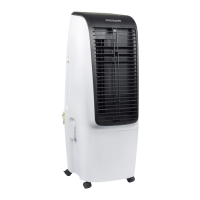
The product can be used immediately after taken out of the
package (no installation is required).
FUNCTION BUTTONS
After plugged into a power outlet, the unit will beep and enter
the standby state (all the function indicators and buttons are off).
ON/OFF BUTTON
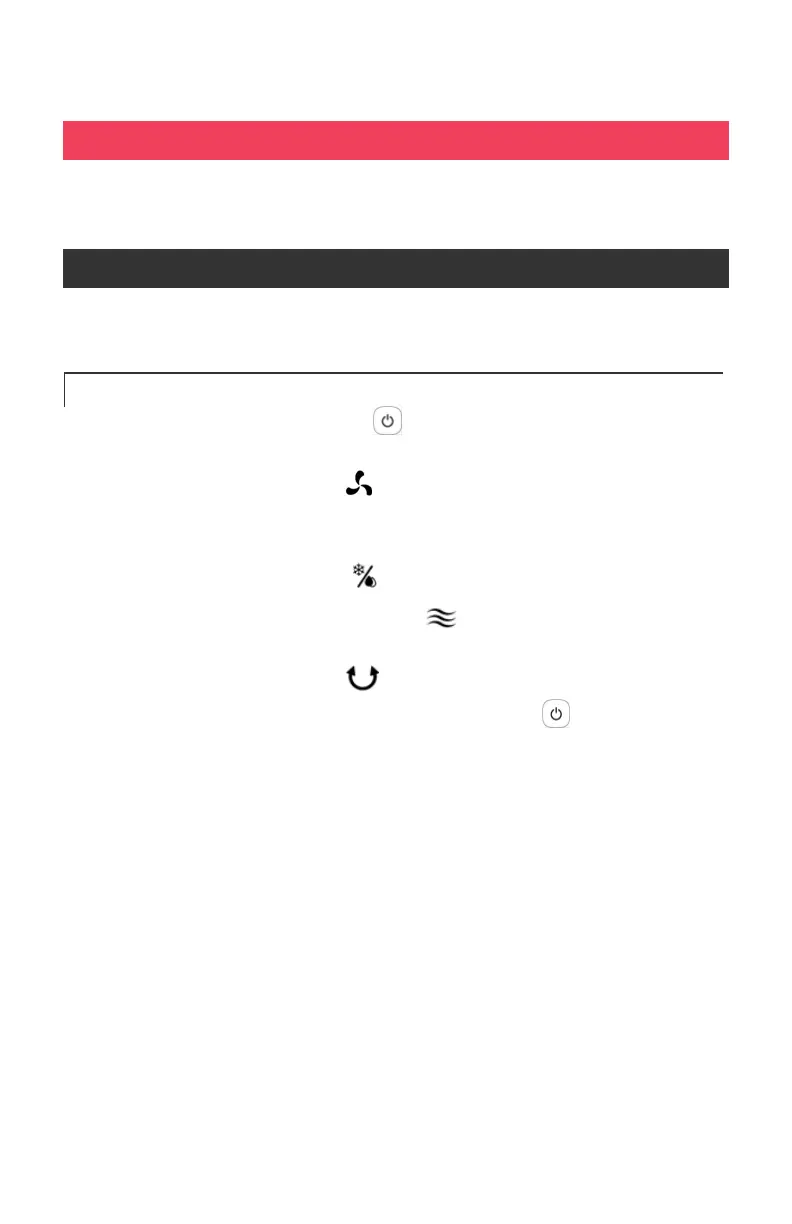
1. In the standby state, press to turn the unit on. Once the
unit is on, it will be in the following default state:
a. Fan is on low speed . (Whenever the unit is turned on,
it will run 3 seconds at medium speed before returning to
the speed it was turned off in.)
b. Cooling/humidifying is off.
c. Mode is set to normal mode .
d. Timer 1h, 2h, 4h, 8h is off.
e. Left/right oscillation is off.
2. After you are done using the unit, press the button to turn
off all functions. The unit will then enter the standby state.



 To Next Page