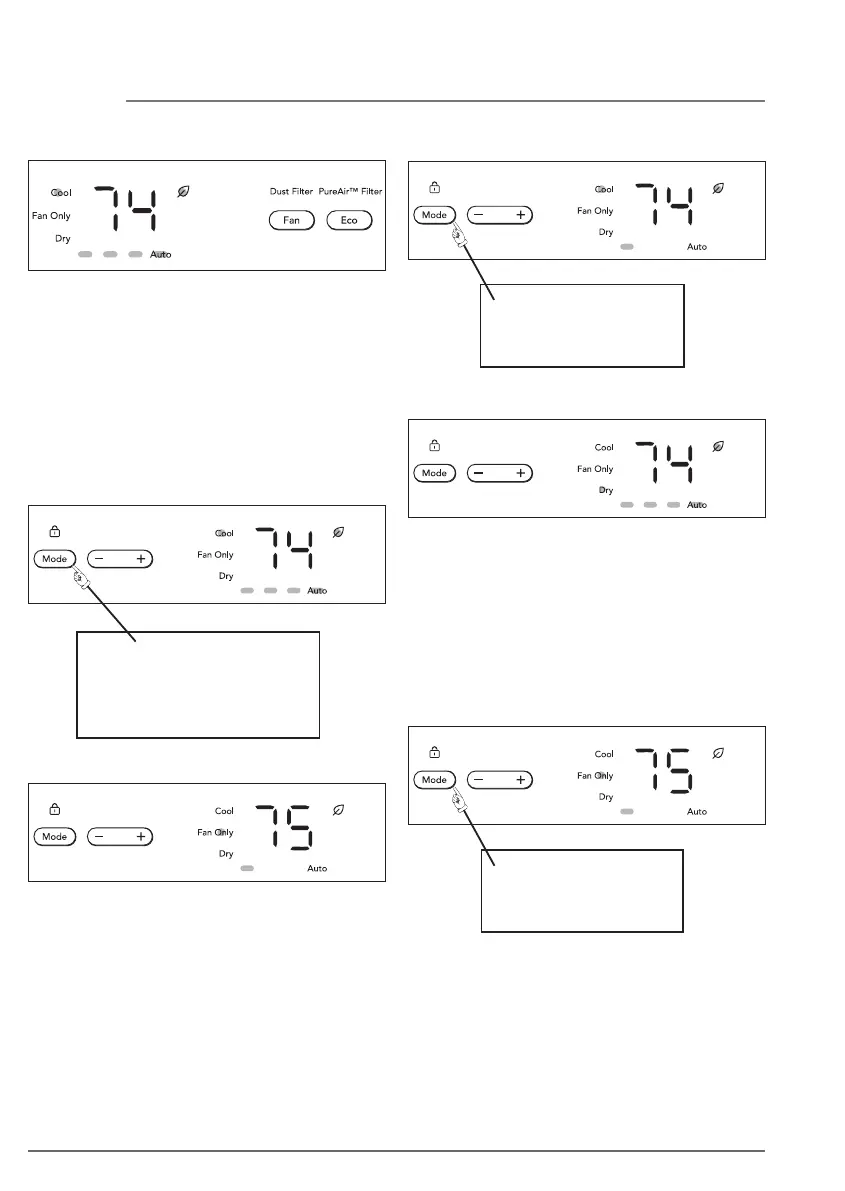
Initially, fan starts on High Speed and adjusts
to a slower speed dictated by room
temperature. For example, if room
temperature rises quickly, such as when a
door is opened, the fan will automatically
switch to the highest speed. The fan speed
will re-adjust to a slower speed as the room
cools. Press the fan button to adjust the fan
speed manually.
YOU WILL SEE:
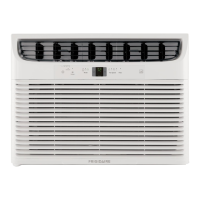
COOL FEATURE:
DO THIS:
PRESS MODE BUTTON
TO CHOOSE COOL
TO OPERATE IN FAN ONLY MODE:
DO THIS:
PRESS MODE
BUTTON TO
CHOOSE FAN ONLY MODE
Use this function when cooling is not desired,
such as for room air circulation or to exhaust
stale air. You can choose any fan speed you
prefer. (Except “Auto Fan”). When operating
in this mode, the display will show the actual
room temperature and the set temperature
cannot be changed.
YOU WILL SEE:
DRY FEATURE:
DO THIS:
PRESS MODE BUTTON
TO CHOOSE DRY
16 OPERATING INSTRUCTIONS
In this mode, the air conditioner will work like
a dehumidifier, but will still cool the room.
The temperature can be adjusted between
60 °F (16 °C) and 90 °F (32 °C) and the fan
speed will be held at Auto speed. Each time
Dry mode is selected Eco feature will be
activated as default. Press Eco button to
deactivate.
YOU WILL SEE:




 To Next Page