9
SETTINGS
Key press Option
OP-1
Sound
Lo/nor/Hi/off
OP-2 Weight (lbs/kg)
OP-3
on yes/off yes/reset
yes/reset no
Press pad once.
Press START pad.
oFF
Press and hold pad .
When display is on, tap (short
press) will display time for 3 sec.
on
Press Timer pad once.
NOTE
NOTE
SURFACE LIGHT ON / OFF
Hold Clock button 3s, display
is on.
1.
2.
3.
Demo Mode (on/off)
4.
OP-4
3
2
OPERATION
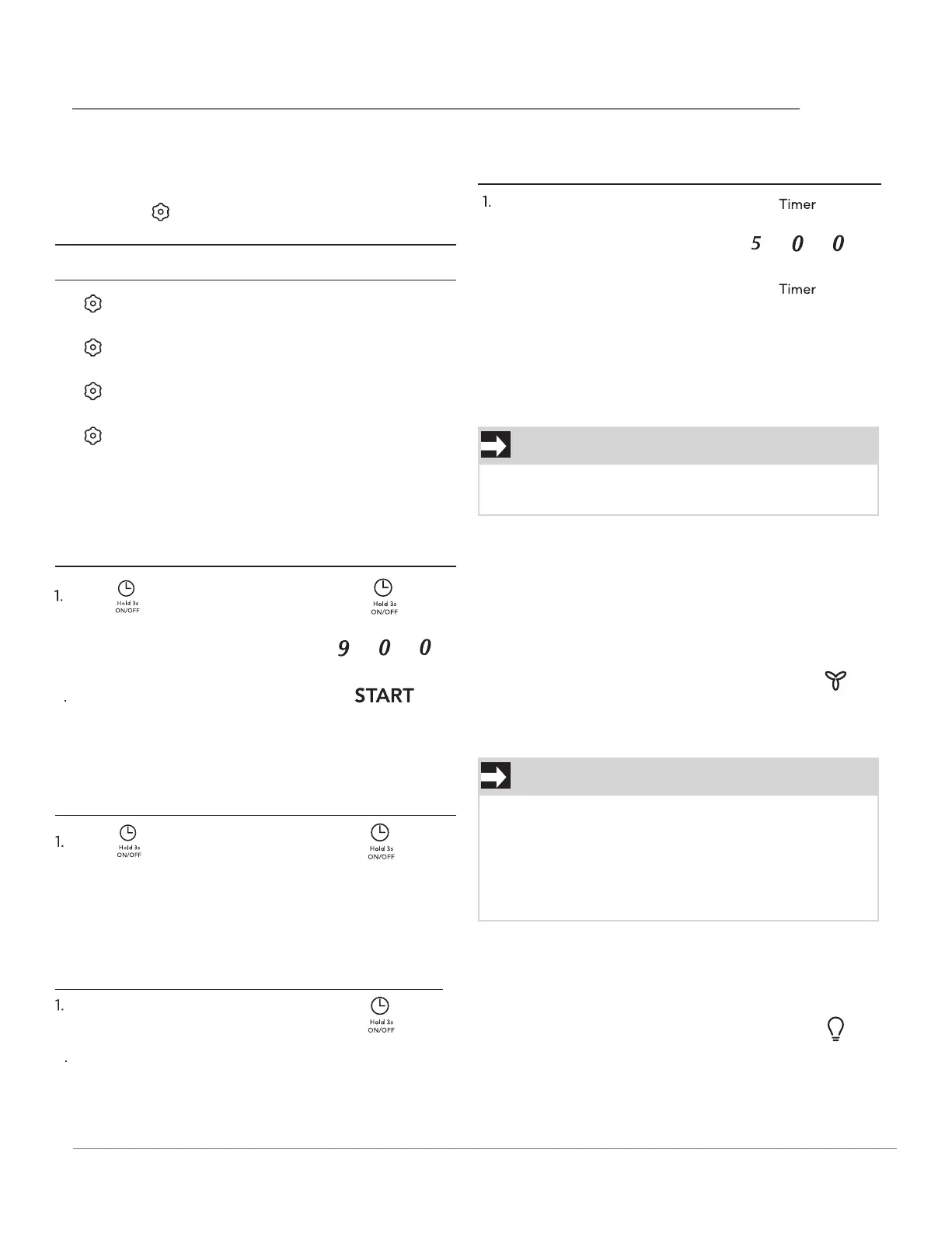
• The microwave oven has settings that allow you to
customize the operation for your convenience.
Below is the table showing the various settings.
Press the key multiple times to scroll to the
desired setting function.
SETTING THE CLOCK
Example: setting clock display for 9:00:
SETTING THE CLOCK ON/OFF
Clock Display OFF.
Clock display ON default.
2. Enter time using number
pads.
2. Time will display, after 3s,
oFF will display.
2. Enter desired time using
number pads.
3. Press Timer pad.
SETTING THE TIMER
Example: setting timer for 5 minutes:
Timer count down does not stop even if the door is
opened. To stop/cancel the timer, press the Timer
key once . When the timer has reached the end of
set time, you will hear beep alerts indicating the
timer has run out.
EXHAUST HIGH / LOW / OFF
The exhaust ventilation removes steam and other
cooking vapors from the cooking surface of the
range below the microwave oven.
To operate the exhaust vent, Press
the Exhaust High/Low/Off pad once
for the highest speed setting. Press
the pad again to choose the Low
speed setting and a 3rd time to turn
the exhaust ventilation off.
Press the Surface Light On/Off pad
once to turn on the surface light.
Press the pad again to turn the light
off.
The display will return to default after 15 minutes
if a cooking cycle is stopped and not restarted.
If the temperature gets too hot around the
microwave oven, the fan in the exhaust vent hood
will automatically turn on at the LOW setting to
cool the oven. The fan will automatically turn off
when the internal parts are cool. When this
occurs, the vent cannot be turned off.



 To Next Page