9
BEFORE OPERATING
1� Before operating your new microwave oven, make sure you
read and understand this Use and Care Guide completely.
2� Before the microwave oven can be used, follow these
procedures:
• Plug in the microwave oven. Close the door. The oven
display will show ENJOY YOUR OVEN PRESS CANCEL.
3� Set clock. See below.
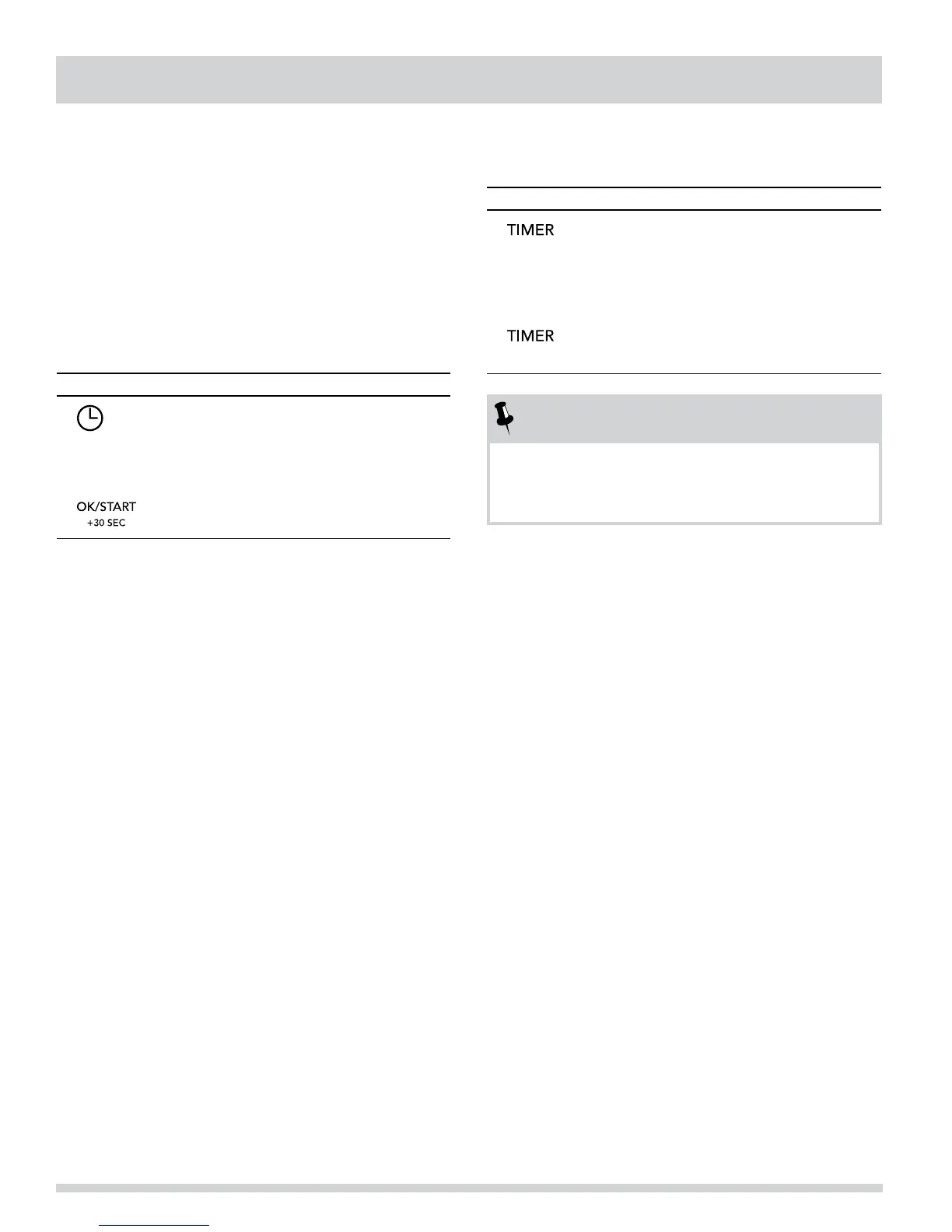
TO SET THE CLOCK
• Suppose you want to enter the correct time.
Time of day 12:30 (A.M. or P.M.).
PRESS DISPLAY SHOWS:
1�
ENTER TIME
2�
1230
12:30
3�
12:30
TO SET THE TIMER
• Set the timer for 3 minutes.
TOUCH DISPLAY SHOWS:
1�
ENTER TIME
2�
300
3:00
3�
3:00
Time counting down
NOTES
1� Opening the door during timer countdown will not
pause the running timer.
2� To cancel the active timer, press the CANCEL pad once.
CANCEL
Press CANCEL to:
1� Erase if you make a mistake during programming.
2� Cancel timer and the signal after cooking.
3� Return the time of day to the display.
4� Cancel a program during cooking.




 To Next Page