18
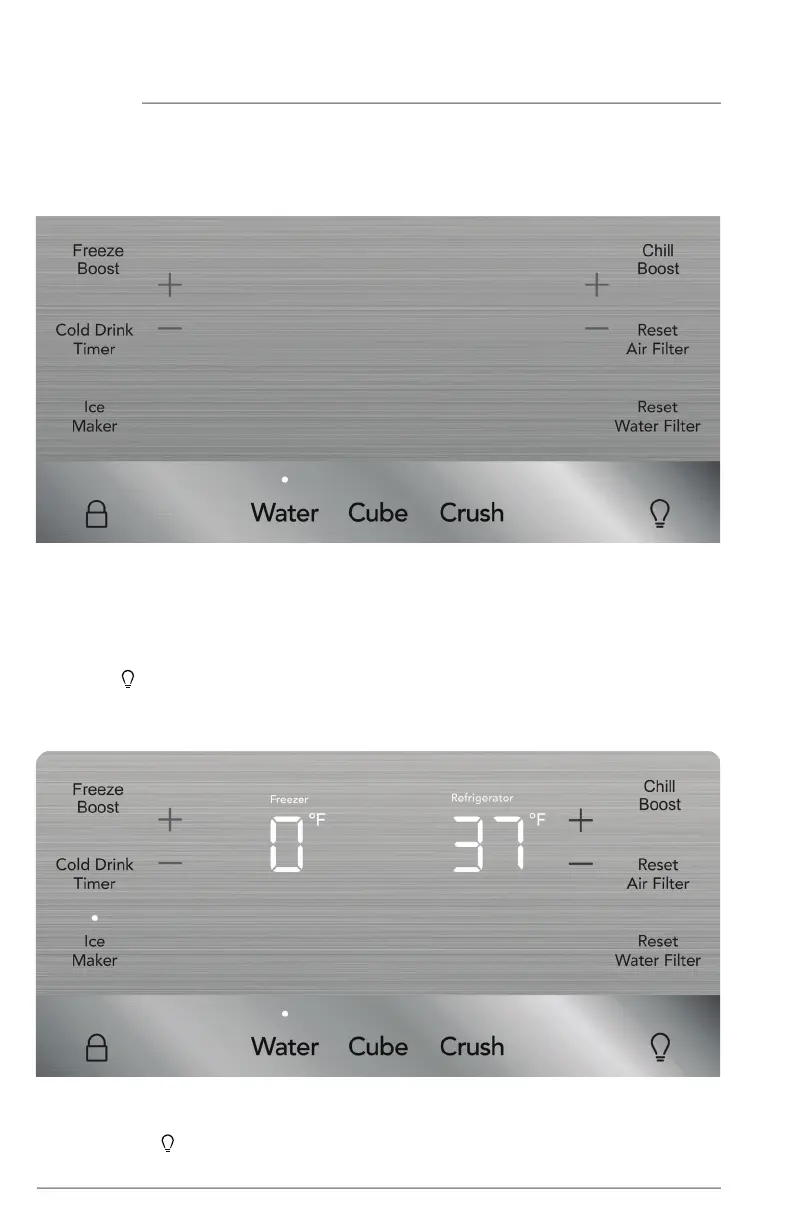
Awake Mode Display
Awake Mode
To change from sleep mode (on) to awake mode (o), simultaneously press and
hold Crush and
for 5 seconds. Display will show the current temperature/ice maker
status. Tone will confirm.
Sleep Mode Display
Sleep Mode
As a default, the display will go to sleep after a short time. If any icon is pressed, the
display will be awakened. After a short time, it will go back to sleep. When in sleep
mode, wake up the display to confirm ice maker is On/O. Sleep mode can be turned
o to have the display on full time (awake mode). When sleep mode is O, the display
will always be illuminated. To turn sleep mode On/O, simultaneously press and hold
Crush and for 5 seconds. Tone will confirm.
CONTROLS AND SETTINGS
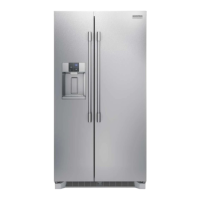
Frigidaire Gallery Display (options may vary by model)




 To Next Page