Need help?
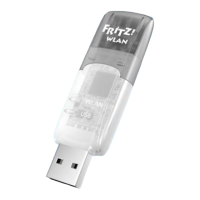
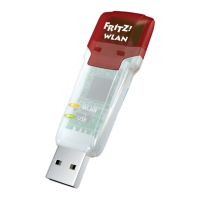
Do you have a question about the FRITZ!WLAN Stick v2 and is the answer not in the manual?
Details hardware, OS requirements, WLAN standards, speeds, and security features.
Access to manuals, online help, customer service, and downloads.
Guidance on environmentally sound disposal of the USB stick.
Lists the FRITZ!WLAN USB Stick, docking station, and software CD.
Explains establishing wireless connections to access points and other devices.
Explains the operational status indicated by the device's LEDs.
Insert the FRITZ!WLAN USB Stick into the FRITZ!Box to adopt WLAN key.
Wait for the "Info" LED to stop flashing, indicating key adoption.
Connect stick to computer; Stick & Surf logo confirms automatic setup.
Guide for installing the FRITZ!WLAN USB Stick on Windows 7, 8, Vista, XP.
Steps to manually select a wireless device and enter the network key.
Using the FRITZ!WLAN software to manage connections and settings.
Switching to Microsoft's WLAN service for compatibility with Windows Metro apps.
Using WPS for secure, push-button WLAN connections to access points.
Creating networks between wireless users without an access point.
Statement of compliance with EU directives for radio and energy-related products.
Information on viewing the product's licensing terms from the CD.
 General
| Frequency Band | 2.4 GHz |
|---|---|
| Interface | USB 2.0 |
| WLAN Standards | 802.11 b/g/n |
| Security | WPA, WPA2 |
| Operating Systems Supported | Windows 7, Windows 8, Windows 10 |


 To Next Page