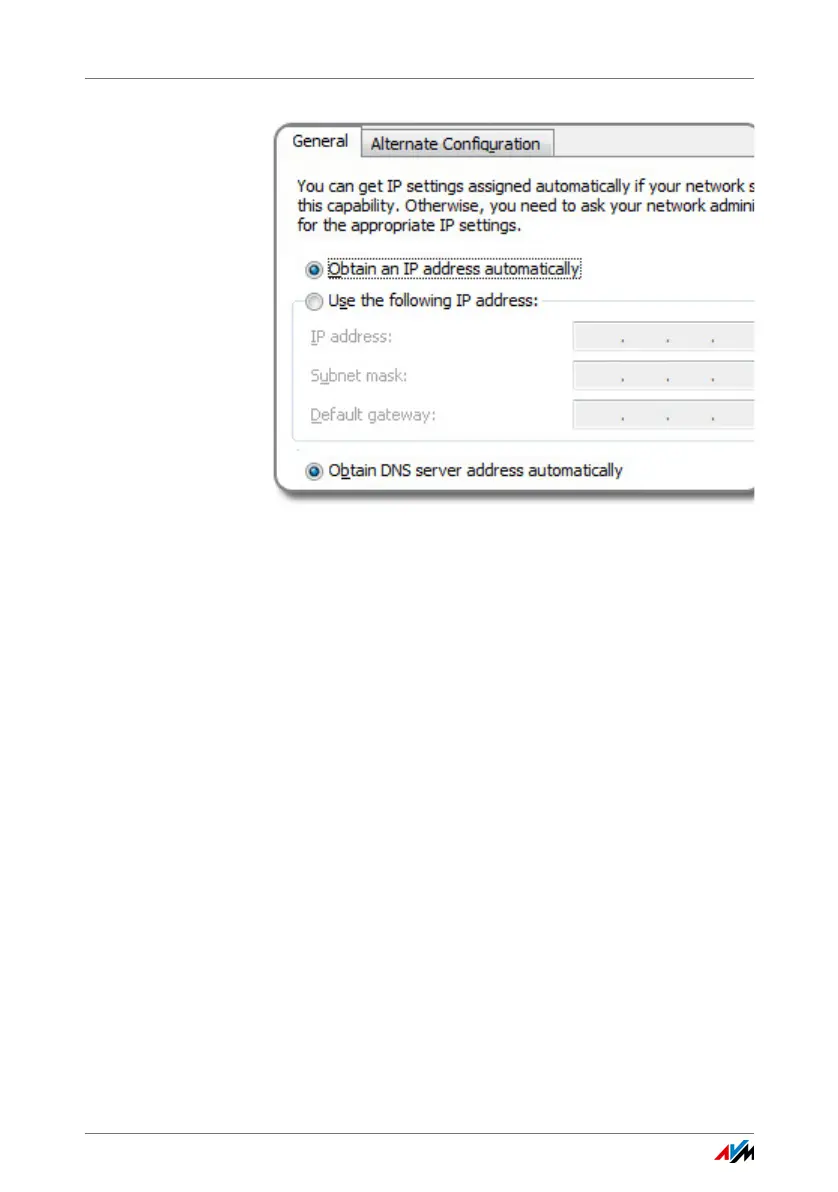
Setting Automatic IP Address Assignment in Windows
FRITZ!WLAN USB Stick AC 430 25
6. Click “OK” to save the settings.
7. Enable the options “Obtain an IP address automatically”
and “Obtain DNS server address automatically” for the
Internet protocol version 6 (TCP/IPv6) as well.
Now the computer receives an IP address from the wireless
access point.



 To Next Page