Support from the Support Team
FRITZ!WLAN USB Stick AC 430 31
• At what step of the installation or in which application
does an error occur or an error message appear?
What is the exact wording of the message?
• What is the exact name of the wireless LAN access point
you use with your FRITZ!WLAN USB Stick?
The exact name of a FRITZ!Box is located on the under-
side of the box housing.
• Which driver version of the FRITZ!WLAN USB Stick is in-
stalled? The driver version is listed in the FRITZ!WLAN
program:
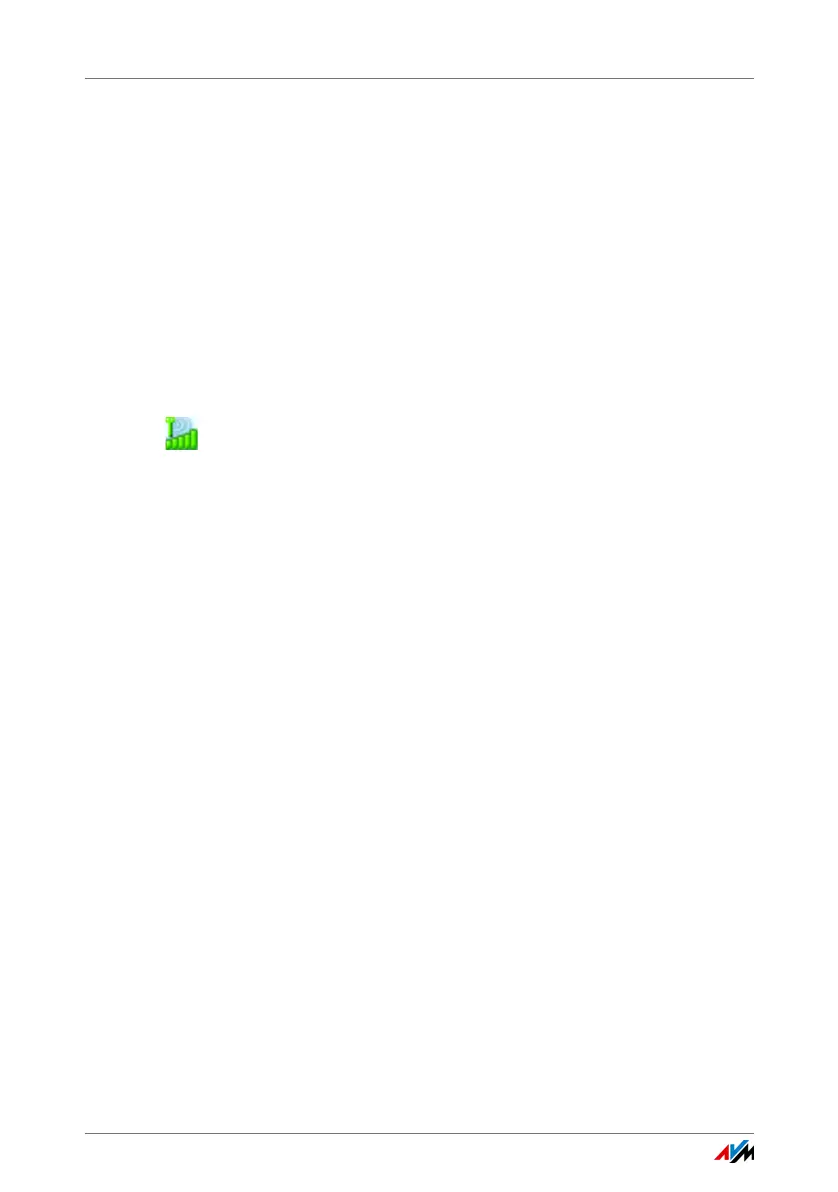
Click the FRITZ!WLAN program icon in the notification
area of the task bar and select the menu command
“About”.
Once you have gathered this information, please open the
AVM Service pages.
1. Select the product group and product for which you
need support from the “Support” area.
2. Click “Next”.
3. Select the topic for your support request.
4. If needed, narrow the topic.
5. If you do not find the required information, click
the“Contact support” button.
6. Fill out the form and send it to AVM by clicking the “Sub-
mit support request” button.
The Support team will assist you in resolving your problem.



 To Next Page