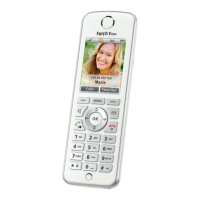
FRITZ!Fon C4 19
FRITZ!Fon MT-D 19
EN
Adjusting the Volume
The volume of a call can be adjusted during calls with the handset
and hands-free calls.
Press the top of the control ring to turn up the volume.
Press the bottom of the control ring to turn down the volume.
Always in the Know
Whenever you wish, the notification button informs you about every-
thing you missed, flashing for new calls, new messages on the an-
swering machine, new e-mail, podcasts or RSS feeds, as well as for
FRITZ!OS updates.
Switching Smart Home Devices On and Off
FRITZ!Fon is the remote control for your FRITZ!Box home network. If
you use Smart Home devices from AVM, you can switch your devices
on and off with FRITZ!Fon:
1. Press the Menu button .
2. Select “Home Network / OK / Smart Home / OK”.
Switching the Wireless Network On and Off
The WLAN function of your FRITZ!Box can be switched on and off using
the FRITZ!Fon.
1. Press the Menu button .
2. Select “Home Network / OK / WLAN / OK”.
FRITZ!Fon C4_ka-international.book Seite 19 Mittwoch, 15. Juni 2016 2:47 14



 To Next Page