2
SET UP
Approximate time: ten minutes
PHONES
PHONE LINE
LINES 1 & 2AU
CAL ETHERNE T
RESET
2 3
POWER
41
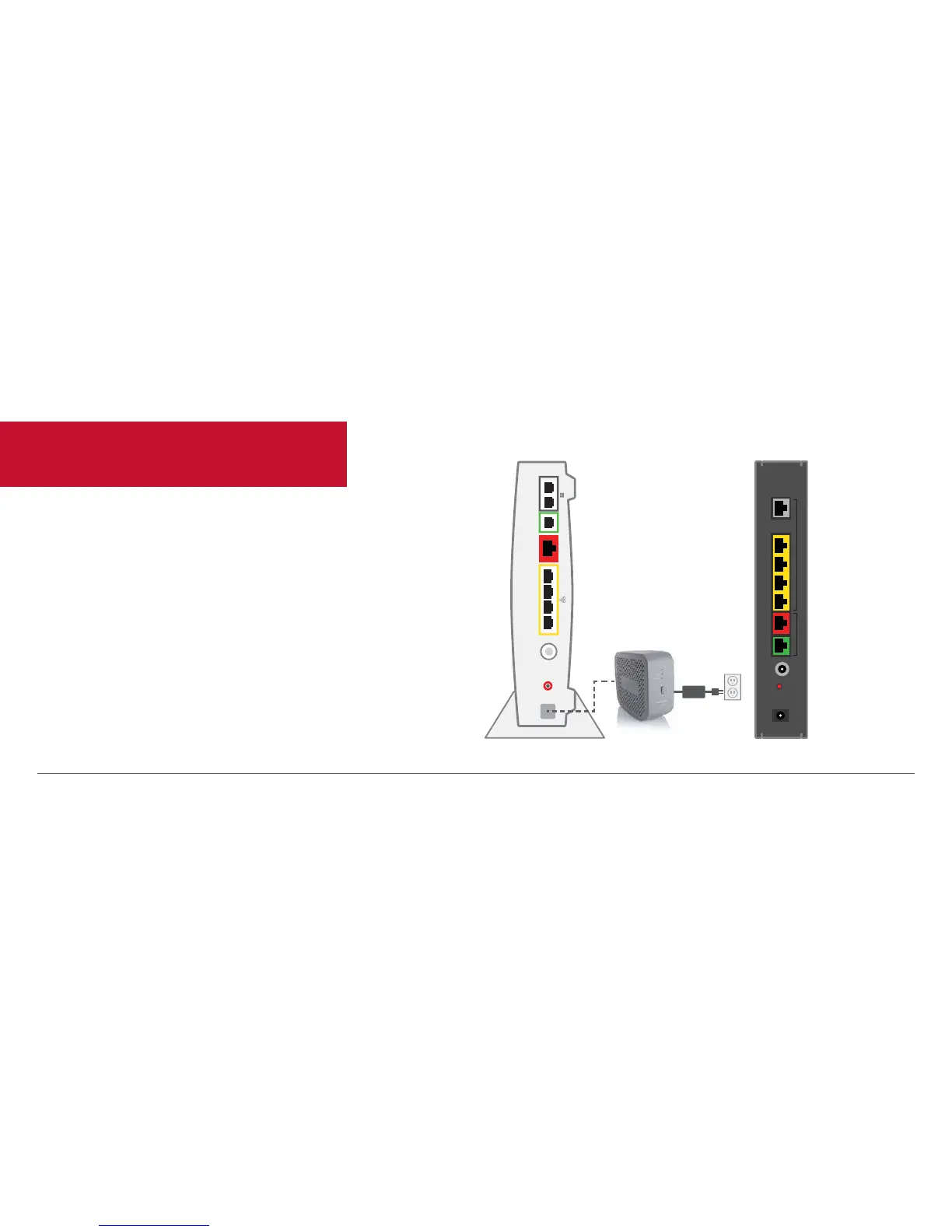
Begin by setting up the Wireless Router and then establishing each service.
You will not have TV, Internet and Voice service while you’re replacing your
Wireless Router.
• Unplug the existing Wireless Router and Battery Backup Unit (BBU) from
the electrical outlet.
• Set the BBU aside; do not use.
• Refer to Equipment Return and Recycling on page 12 of this guide for
recycling of the BBU.
A
Existing Wireless Router Replacement Wireless Router


 To Next Page