Page 18
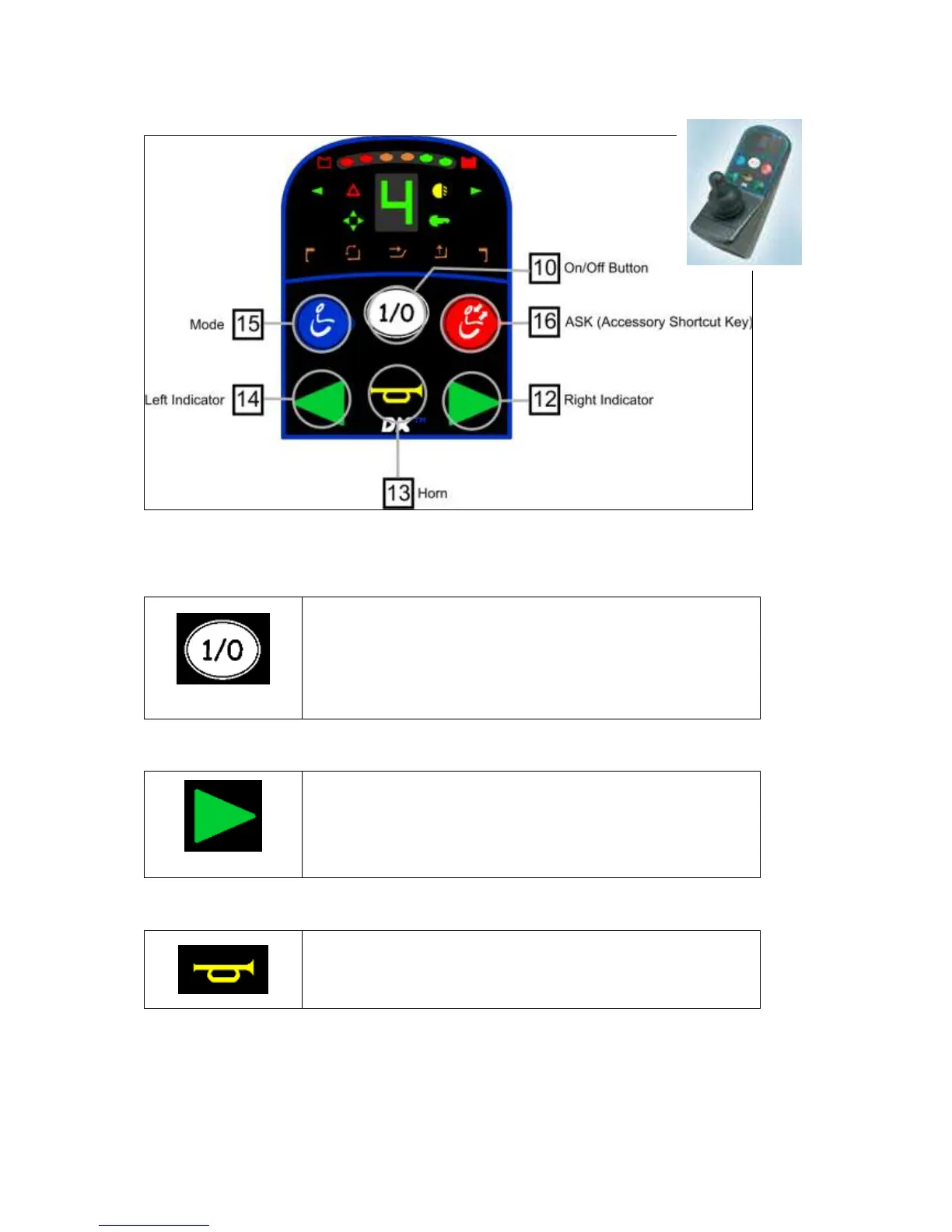
6.5 Hand control joystick operation – figure 3 – G90A
Hand Controller DXREMG90A
6.5.1 On/Off Button
To turn the power on press the On/Off button.
The current battery charge will be indicated and the System
Status LED will illuminate and not flash.
Press the On/Off button again to turn the power off.
6.5.2 Right Indicator (If Lights Are Fitted)
To turn the Right Indicator on/off, press and release (‘short
press’) the Right Indicator button.
To toggle the Hazard Lights on/off, press and hold (‘long
press’) the Right Indicator button.
Pressing the Horn button will sound the horn for as long as
the button is pressed.



 To Next Page