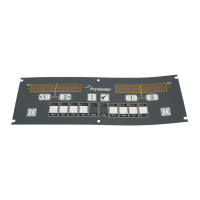
3-4
3
4
Example:
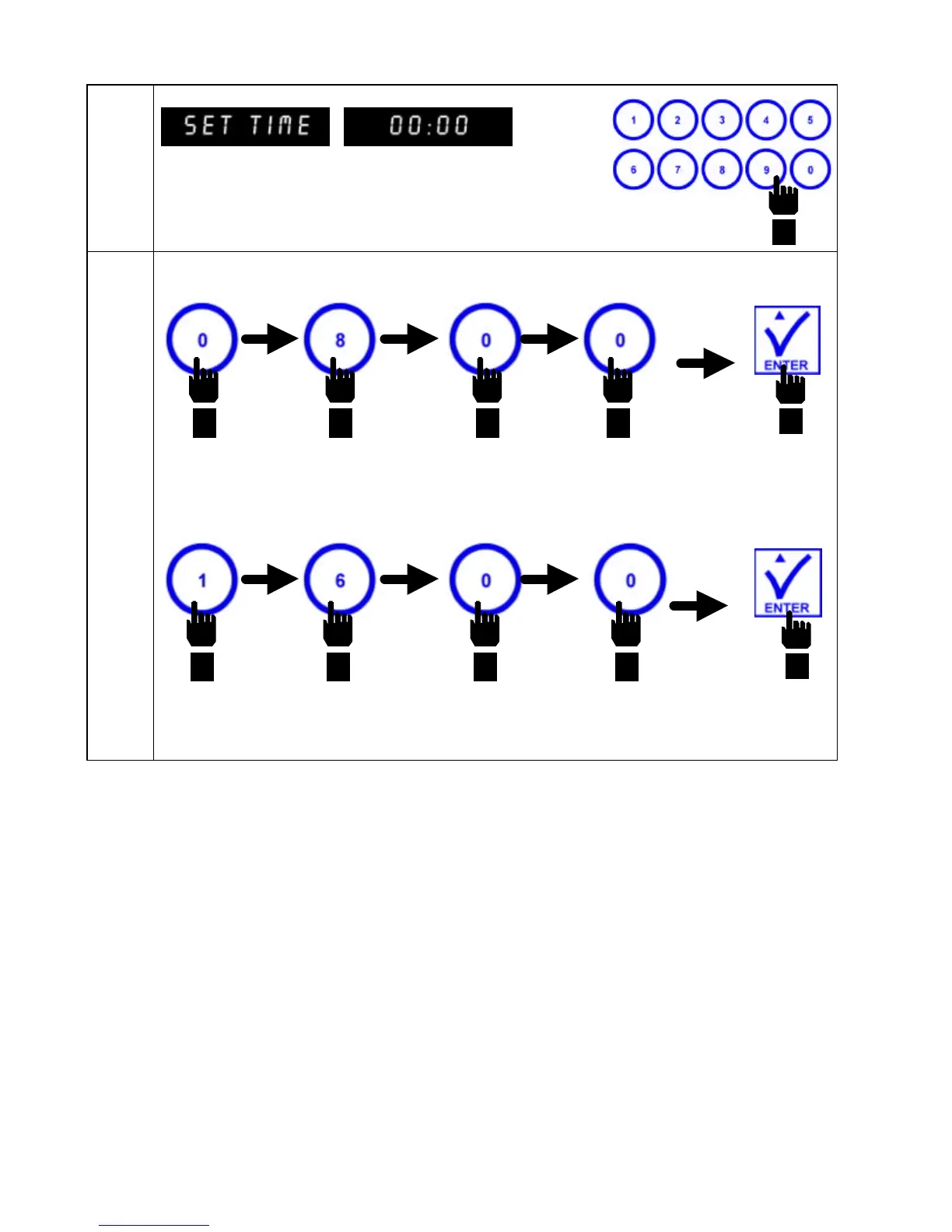
Computer displays SET TIME in left display
and 00:00 in right display.
Enter correct time (military style)
using product selection keys.
To enter 8:00 AM, enter 0 8 0 0, in that
sequence. Press ENTER to set time.
To enter 4:00 PM, enter 1 6 0 0, in that
sequence. Press ENTER to set time.


 To Next Page