EasyManua.ls Logo

FSP Technology FP 400 - User Manual

Default Icon
5 pages
Print Icon
To Next Page IconTo Next Page
Loading...
1
1. Package Contents
You should have received the following items inside of package:
- UPS Unit
EN
- Quick Guide
2. Product Overview
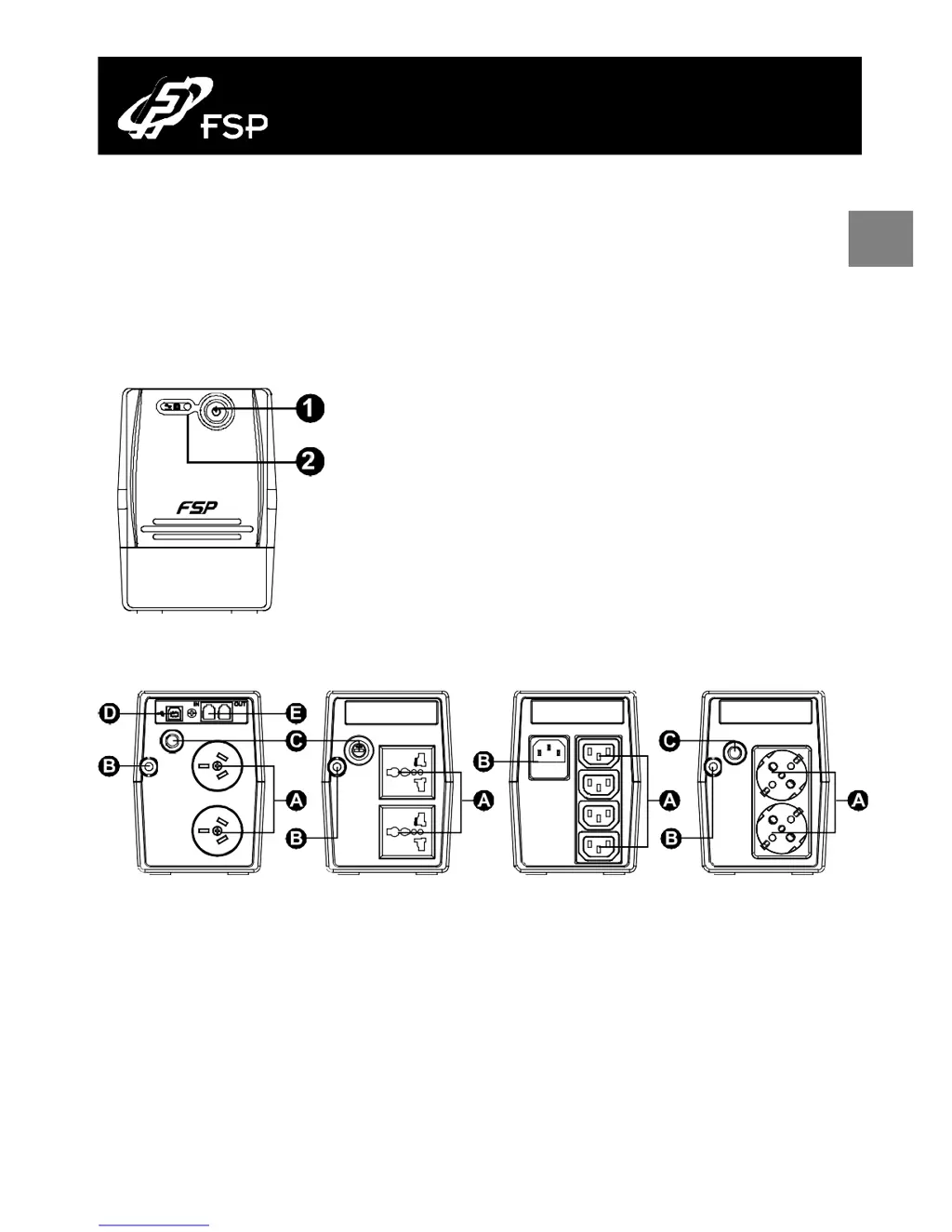
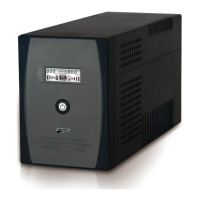
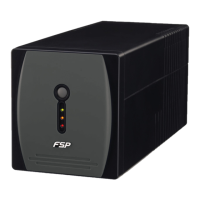
Front View:
Power Switch
UPS status LED
AC Mode: green lighting
Battery Mode: green flashing
Back View:
A
Output receptacles
B
AC input
Options
C
Circuit breaker / Fuse
D
USB port
E
Modem/phone or Network surge protection
Line Interactive UPS Quick Guide V. 2.0

Questions and Answers

Summary

Product Overview

Front View Overview

Details the front panel features, including the power switch and status LED indicators for AC and battery modes.

Back Panel Connections

Illustrates and labels the rear panel connections, including output receptacles, AC input, and protection options.

Installation and Initial Startup

Placement and Storage Conditions

Provides guidelines for installing the UPS in a suitable environment, ensuring proper airflow and avoiding extreme conditions.

Connecting to Utility and Charging

Instructs users to connect the UPS to the mains power and recommends a minimum charging period before initial use.

Connecting Loads to UPS

Guides users on connecting their equipment to the UPS output receptacles and includes a caution about laser printers/scanners.

Turning the UPS Unit On and Off

Explains the procedure for powering the UPS unit on and off using the power switch.

Important Safety Warnings

Comprehensive Safety Precautions

Details critical safety precautions covering installation, operation, battery handling, and maintenance to prevent hazards.

Product Specifications

FSP Technology FP 400 Specifications

General IconGeneral
BrandFSP Technology
ModelFP 400
CategoryUPS
LanguageEnglish

Related product manuals