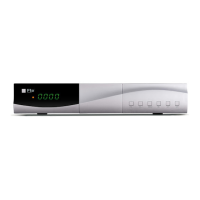
QUICK INSTALLATION GUIDE
English v 1.1
´´o
Timer setting menu.
In this option, user can lock the access to the menu and change the password of the receiver
and parental control.
In this option the time of the receiver can be configured.
Si selecciona eta opción el receptor realizará un reset y volverá a sus valores de
fábrica.
To update the receiver by USB.
This option shows the software information of the receiver.
This option allow configure the automatic standby. By default is 3 hours.
Allow show the time in standby mode or not.
This option can choose the audio type in the digital audio output.
Use this option for switching the screen aspect ratio mode.
Select the video mode in the scart output.
This option is used to switch the display mode.
This option can choose the audio type in the HDMI output.
Use this option to play a video store in a usb disk.
Use this option to play music store in a usb disk.
Use this option to show image store in a usb disk.
Allow play the recordings or format disk
This option allows format the usb disk, do folder operation and show information of the
usb disk.
* This function will only be available in models with PVR ready function ability



 To Next Page