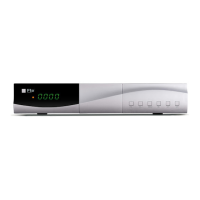
QUICK INSTALLATION GUIDE
English v 1.1
´´o
INSTALLATION
Auto Search:
This option make a full scan of all TV and Radio channels received.
This option makes a complete scan of only
one multiplex
Select if the receiver search only FTA channels or all channels.
In this option select the Country.
If set to on this option the channel will be sort defined by the operator.
This option allows turns on or off 5V feeding though coaxial cable to the indoor aerial.
: Show and allow do changes in the list of channels.
: Show and allow manager the favorite list.
: This option allows selecting menu language.
If you configure this option you will be able to change OSD time of information of the
channel that is tuned in every moment.
O
Allow change the level of OSD transparency.
Some channels have more of one subtitle. This option allow set the preferred
language for the subtitle.
This option set the second preferred language for the subtitle.
This option allow show the subtitle design for the user with hard hearing if the channel
has this option.
Some channels have more of one audio. This option allows set the first preferred
audio language.
This option allows set the second preferred audio language.
Multimedia Configuration:
Allow
change the settings of the media player.
Allow change the settings of records and timeshift *



 To Next Page