EasyManua.ls Logo

FUDONI P1 - Screen Mirroring Notes and Tips; Screen Mirroring Notes and Troubleshooting; HDMI Alternatives for Screen Mirroring

FUDONI P1
28 pages
Print Icon
To Next Page IconTo Next Page
To Previous Page IconTo Previous Page
Loading...
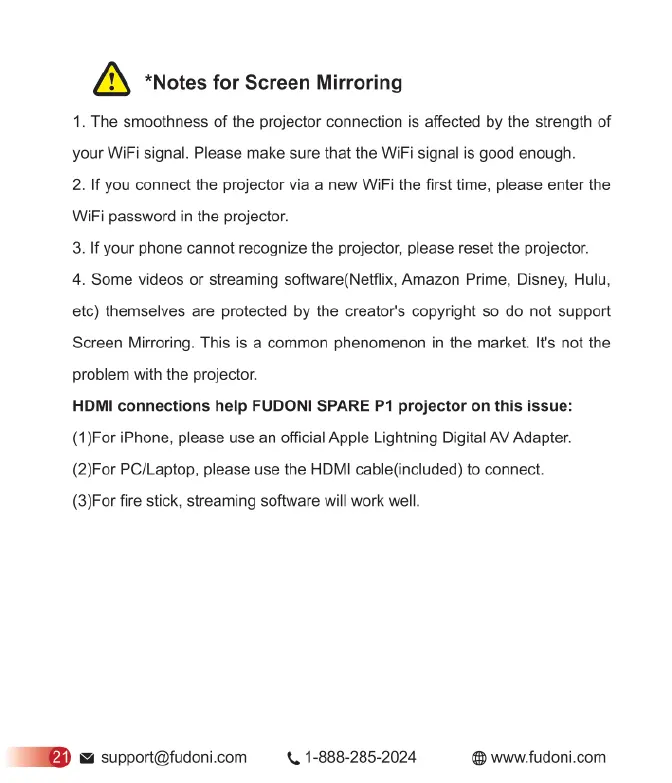
*Notes
for
Screen
Mirroring
1.
The
smoothness
of
the
projector
connection
is
affected
by
the
strength
of
your
WiFi
signal.
Please
make
sure
that
the
WiFi
signal
is
good
enough.
2.
If
you
connect
the
projector
via
a
new
WIFi
the
first
time,
please
enter
the
WiFi
password
in
the
projector.
3.
If
your
phone
cannot
recognize
the
projector,
please
reset
the
projector.
4.
Some
videos
or
streaming
software(Netflix,
Amazon
Prime,
Disney,
Hulu,
etc)
themselves
are
protected
by
the
creator's
copyright
so
do
not
support
Screen
Mirroring.
This
is
a
common
phenomenon
in
the
market.
It's
not
the
problem
with
the
projector.
HDMI
connections
help
FUDONI
SPARE
P1
projector
on
this
issue:
(1)For
iPhone,
please
use
an
official
Apple
Lightning
Digital
AV
Adapter.
(2)For
PC/Laptop,
please
use
the
HDMI
cable(included)
to
connect.
(3)For
fire
stick,
streaming
software
will
work
well
&
support@fudoni.com
<,
1-888-285-2024
®
www.fudoni.com

Related product manuals