User Manual Fugoo XL Bluetooth Speaker model FSNA2 page 2 4/21/2015
In the box
•
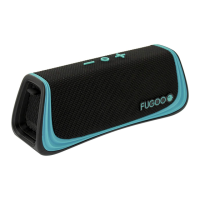
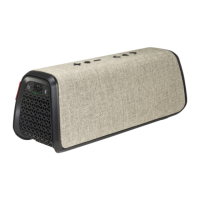
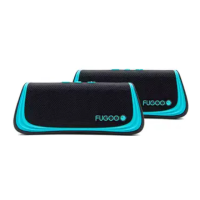
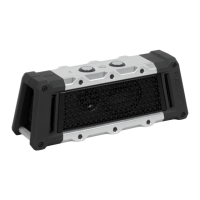
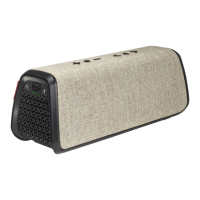
Fugoo XL Bluetooth Speaker, with one jacket – Style, Sport, or Tough
• AC adapter / charger with power cord
• Micro USB cable -- for firmware updates
• 3.5 mm audio cable • Startup Guide
• Thumbscrews
• Hex wrench – for Tough model only
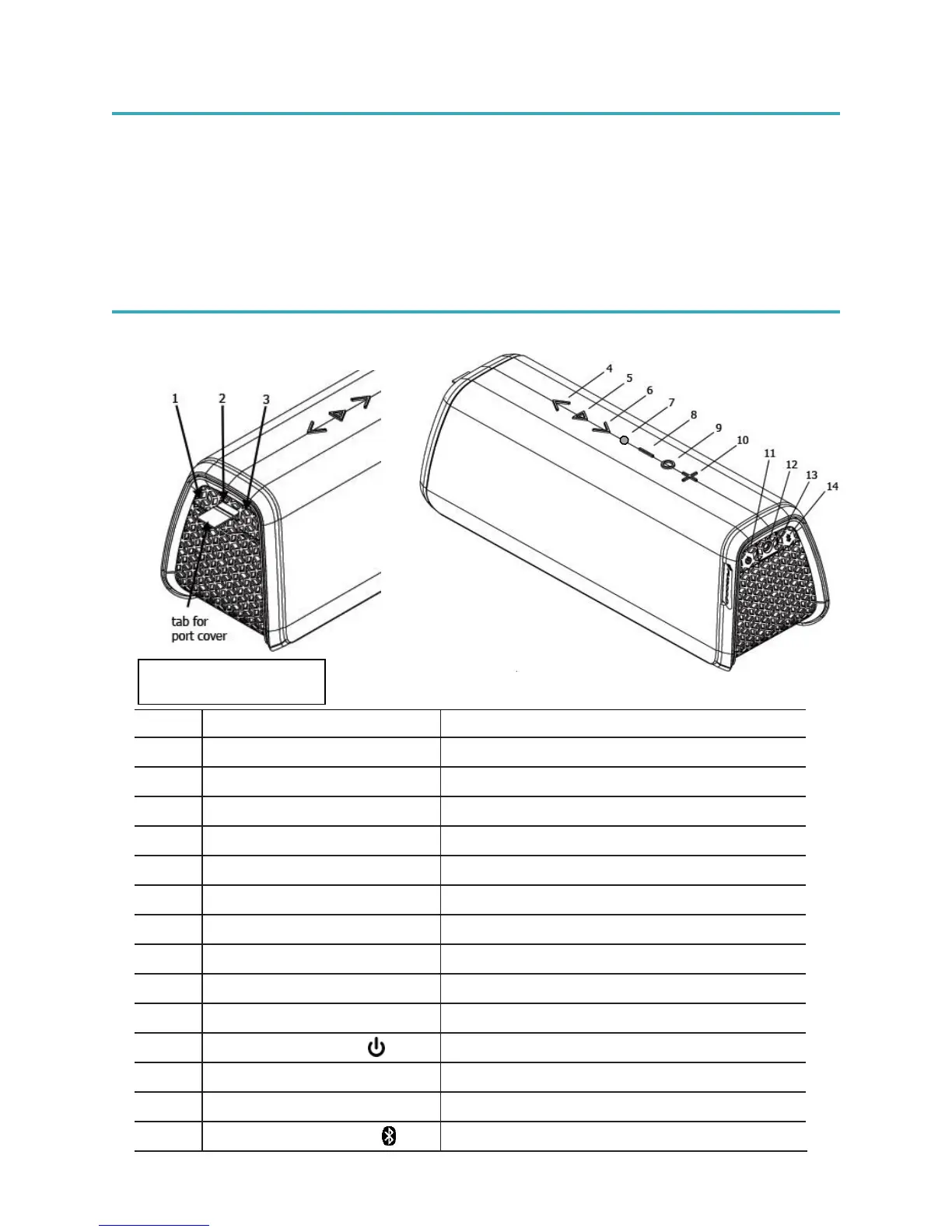
Fugoo XL Bluetooth Speaker controls
For updating the speaker’s firmware
For charging other devices
Skips to the previous track
Voice response and speakerphone control.
Turns the speaker on / off
For playing music from a headphones output
Indicates status of the speaker
For pairing with Bluetooth source devices
Connectors 1, 2, and 3
are behind the port cover.


 To Next Page