30
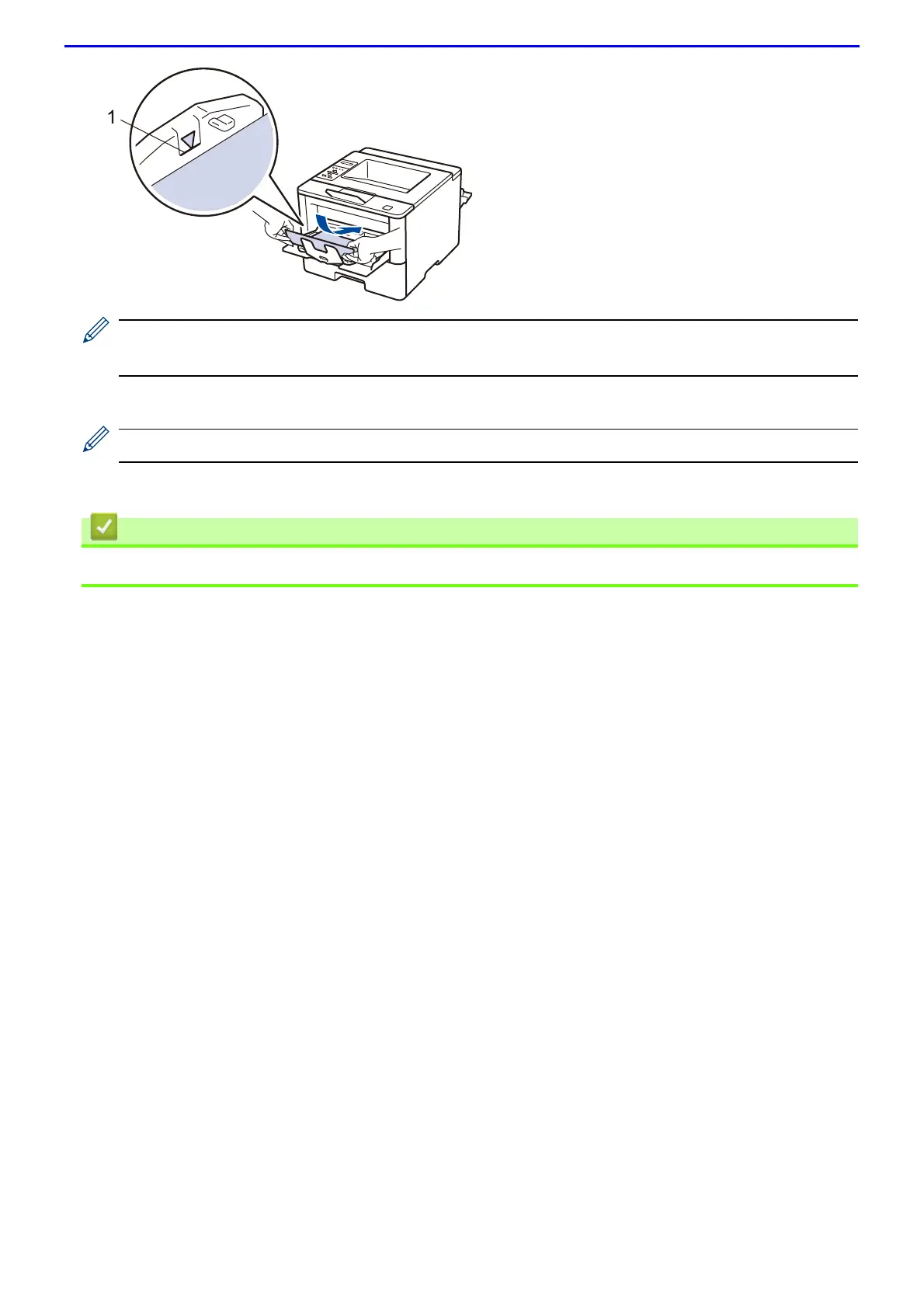
• Make sure the paper is below the maximum paper mark (1).
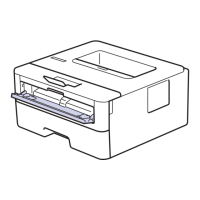
• Load paper into the MP tray with the printing surface face up.
6.
Send your print job to the machine.
Change your print preferences in the Print screen before sending the print job from your computer.
7.
Close the back cover (the face up output tray) until it locks in the closed position.
• Load and Print Using the Multi-purpose Tray (MP Tray)



 To Next Page
 Loading...