EasyManua.ls Logo

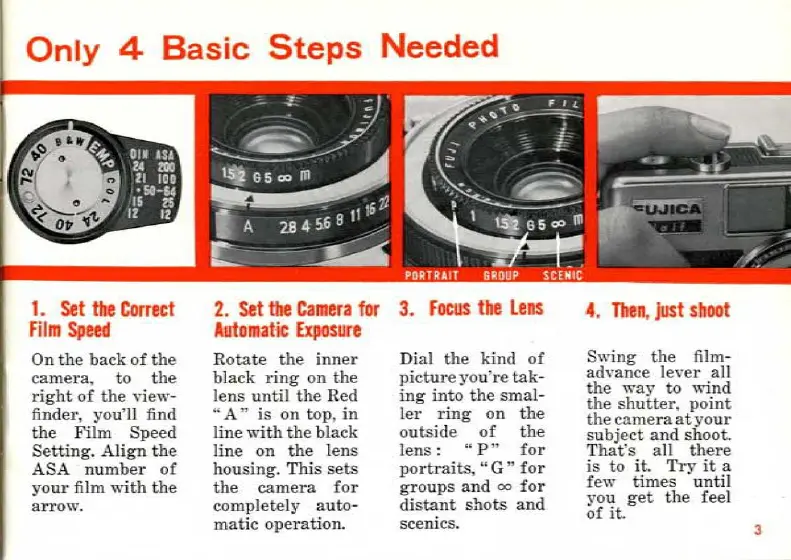
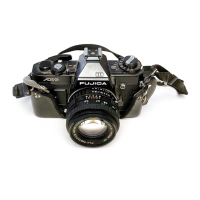
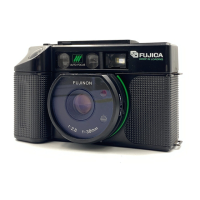
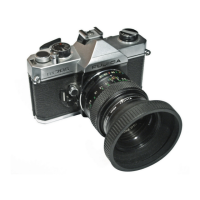
FUJICA HALF - Basic Operation Steps; Setting Film Speed; Setting for Automatic Exposure; Focusing the Lens

Default Icon
24 pages
Print Icon
To Next Page IconTo Next Page
To Previous Page IconTo Previous Page
Loading...
Only
4 Basic
Steps
Needed
1.
Set
the
Correct
film
Speed
On
the
back
of
the
camera,
to
the
right
of
the
view-
finder,
you
'll find
the
Film
Speed
Setting.
Align
the
ASA
number
of
your
film
with
the
arrow.
2.
Set
tbe
Camera
for 3.
Focus
the
Lens
Automatic
Exposure
Rotate
the
inner
black
ring
on
the
lens
un
til
the
Red
"A"
is
on
top
,
in
tine
with
the
black
line
on
the
lens
housing.
This
sets
the
camera
for
completely
auto
-
matie
operation.
Dial
the
kind
of
pic
ture
you
'
re
ta
k-
ing
into
the
smal-
Jer
ring
on
the
outside
of
the
Jens : "
P"
for
portraits,
"G
"
for
groups
and
oo
for
distant
shots
and
scenics.
4.
Tben
,
just
shoot
Swing
the
film-
advance
lever
ali
the
\Yay
to
wind
the
shutter,
point
the
cameraatyour
subject
and
shoot.
That
's ali
there
is
to
it.
Try
it
a
few
times
until
you
get
the
fee!
of
it.
3
Ce mode d'emploi est un cadeau d'un visiteur du site.

Related product manuals