8
CR Console Operation Manual
010-204-00 Fuji Photo Film Co., Ltd.
2002. 12
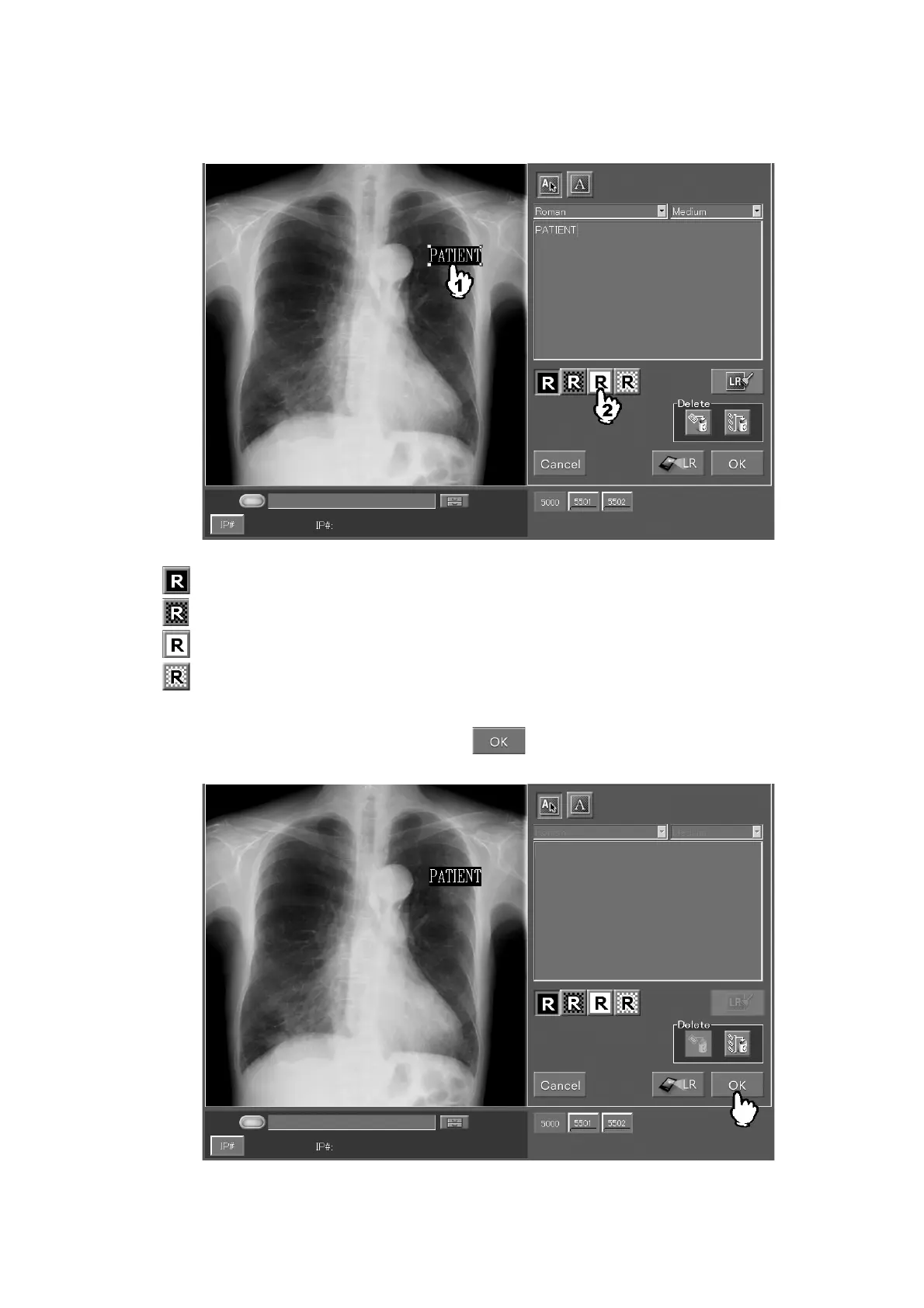
To change the character color/background color of an annotation, select the target annotation
and then select any of the icons shown below.
: White characters/black background
: White characters/transparent background
: Black characters/white background
: Black characters/transparent background
After selecting any of the icons above, select
. The box will then close completing thus
the annotation input.



 To Next Page