EasyManua.ls Logo

FujiFilm FinePix Z10fd - User Manual

FujiFilm FinePix Z10fd
166 pages
Print Icon
To Next Page IconTo Next Page
Loading...
10
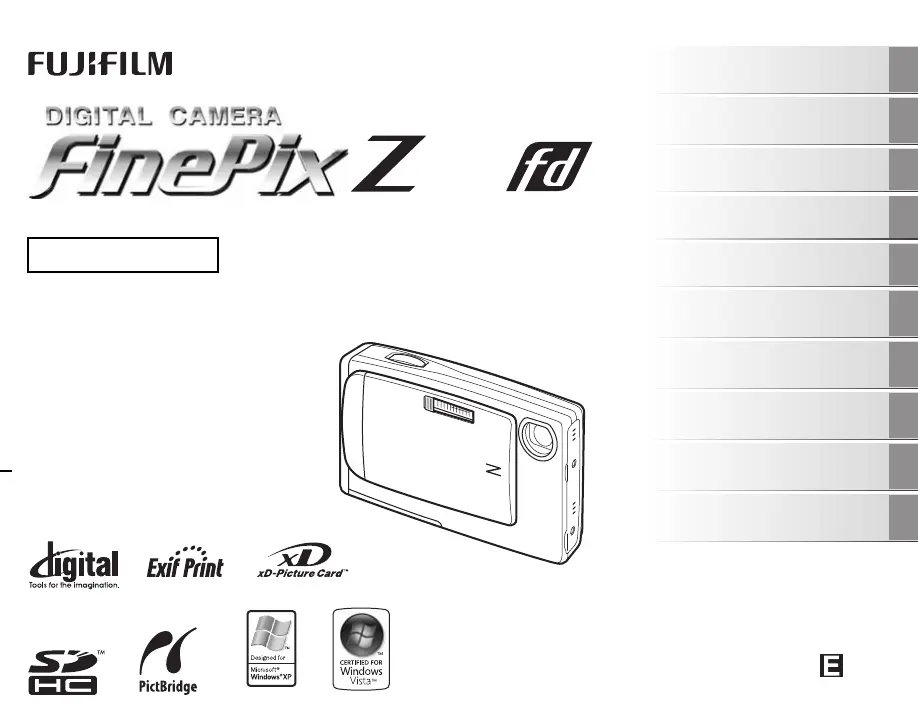
OWNER’S MANUAL
This manual will show you how to use
your FUJIFILM DIGITAL CAMERA
FinePix Z10fd correctly.
Please follow the instructions carefully.
BL00656-202(1)
Getting Ready
Using the Camera
Advanced Features
Photography
Settings
Camera Connection
Software
Installation
Playback
•Movie
Appendices
Troubleshooting

Table of Contents

Other manuals for FujiFilm FinePix Z10fd

Questions and Answers

  • F
    farrellisabellaJul 25, 2025
    What to do if my FujiFilm FinePix Z10fd Digital Camera won't take a picture?
    • M
      Mitchell BlakeJul 26, 2025
      If your FujiFilm Digital Camera isn't taking photos when you press the shutter button, here's what you can check: * Make sure your memory card or internal memory isn't full. If it is, insert a new memory card or delete some photos. * Ensure the memory card or internal memory is formatted. If not, format it on the camera. * Check if the memory card contact area is dirty. If so, wipe it with a soft, dry cloth. * Verify that the memory card isn't damaged. If it is, insert a new one. * Confirm that the battery isn't dead. If it is, charge it or insert a fully charged battery. * Check if the auto power off function has turned the camera off. If it has, simply turn the camera back on.
  • M
    mclementsAug 2, 2025
    Why is my FujiFilm FinePix Z10fd Digital Camera charging indicator blinking and the battery won’t charge?
    • A
      Amy MartinAug 2, 2025
      If the charging indicator blinks and your FujiFilm Digital Camera battery won’t charge, it could be due to a couple of reasons. First, the battery terminals might be dirty. Try taking the battery out briefly and wiping the terminals with a clean, dry cloth before putting it back in. Alternatively, the battery may no longer be rechargeable. If this is the case, try a new battery. If it still doesn’t charge, contact your FUJIFILM dealer.
  • E
    Ernest MckenzieAug 10, 2025
    What to do if I cannot set Intelligent Face Detection on my FujiFilm FinePix Z10fd?
    • A
      Angela DeckerAug 10, 2025
      If you cannot set Intelligent Face Detection on your FujiFilm Digital Camera, it is because the Shooting mode is set to H,,, ., /,, or .. To solve this, change the Shooting mode.
  • L
    Leslie ParrishAug 16, 2025
    What to do if I cannot set Macro (Close-up) on my FujiFilm FinePix Z10fd?
    • S
      Shannon ReynoldsAug 16, 2025
      If you cannot set Macro (Close-up) on your FujiFilm Digital Camera, it is because the Shooting mode is set to H,,, ., /,,,, or .. To solve this, change the Shooting mode.

Summary

Getting Ready

Battery Operations

Instructions for charging, loading, and checking the camera's battery.

Memory Card Handling

Guide on inserting and replacing memory cards for expanded storage.

Camera Power and Initial Setup

Steps for powering on/off, setting language, date, and time.

Using the Camera

Taking Pictures (AUTO Mode)

Basic steps for capturing photos using the camera's automatic mode.

Focus and Composition Adjustments

Using Face Detection, AF/AE lock, and adjusting shot composition.

Viewing and Managing Images

How to view, erase, and manage captured images and movies.

Advanced Features

Photography Settings and Modes

Detailed shooting modes, functions, and menu settings for optimal photo capture.

Playback and Image Management

Functions for image communication, blog uploads, and managing playback features.

Movie Recording and Playback

Instructions for recording video clips and playing them back on the camera.

Settings

[SET-UP] Menu Usage and Options

Guide to accessing and configuring camera settings via the [SET-UP] menu.

Camera Connection

Connecting to TV and Printer

How to connect the camera to a TV or printer for viewing and printing images.

Software Installation

PC and Mac Software Setup

Instructions for installing FinePixViewer software on Windows and Mac computers.

PC Connection and Usage

Connecting the camera to a PC and using FinePixViewer for image transfer.

Appendices

System Expansion, Accessories, and Usage

Information on optional accessories, system expansion, and correct camera handling.

Warnings and Memory Card Notes

Safety warnings, troubleshooting displays, and important notes on memory cards.

Troubleshooting

Common Camera Problems

Solutions for issues related to camera operation, shooting, and connectivity.

Specifications

Technical Specifications Overview

Detailed technical data including system, performance, and lens specifications.

Power, Operation, and Terms

Information on power supply, operating conditions, and explanation of technical terms.

FujiFilm FinePix Z10fd Specifications

General IconGeneral
Megapixel7.2 MP
Sensor typeCCD
Image stabilizerYes
Digital zoom4.8 x
Optical zoom3 x
Focal length range6.63 - 18.9 mm
InterfaceUSB 2.0
Digital SLRNo
Camera shutter speed4 - 1/1000 s
Focal length (35mm film equivalent)38 - 114 mm
Focus adjustmentAuto
Normal focusing range0.6 - ∞ m
Macro focusing range (tele)0.08 - 0.8 m
Flash modesauto, Red-eye reduction, Slow synchronization, suppressed
Flash range (tele)0.7 - 3.4 m
Flash range (wide)0.7 - 3.9 m
Internal memory54 MB
Compatible memory cardssd, xd
Motion JPEG frame rate30 fps
Video formats supportedAVI
Maximum video resolution640 x 480 pixels
Display diagonal2.5 \
Display resolution (numeric)150000 pixels
USB version2.0
Product colorBlue
Battery typeNP-45
Scene modesbeach, Documents, Museum, Night, party (indoor), Portrait, self-portrait, Sports, Sunset, Underwater, Landscape (scenery)
Image editingresizing, rotating, trimming
White balanceauto, Cloudy, daylight, Fluorescent, Incandescent, Shade
Camera playbacksingle image, slide show
Camera shutter typeelectronic, mechanical
Weight and Dimensions IconWeight and Dimensions
Depth18.75 mm
Width91.2 mm
Height56.55 mm
Weight110 g

Related product manuals