138
6
The Shooting Menus
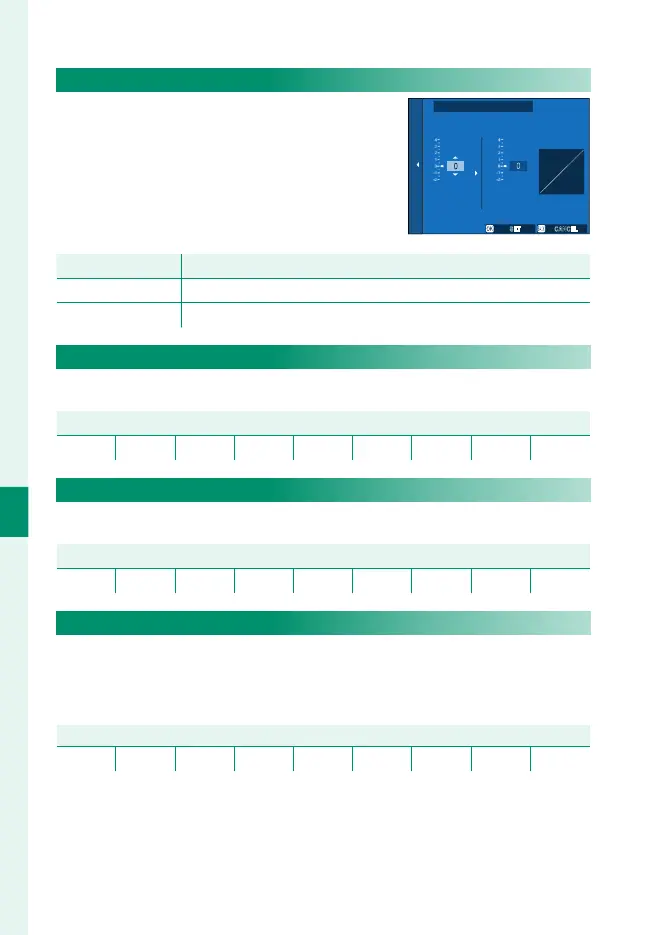
TONE CURVE
With reference to a tone curve, adjust the
appearance of highlights or shadows,
making them harsher or softer. Choose
higher values to make shadows and
highlights harsher, lower values to make
them softer.
CANCELSET
HIGHLIGHTS SHADOWS
TONE CURVE
Option
Description
HIGHLIGHTS -2 to +4
SHADOWS -2 to +4
COLOR
Adjust color density.
Options
−4 −3 −2 −1 0 +1 +2 +3 +4
SHARPNESS
Sharpen or soften outlines.
Options
−4 −3 −2 −1 0 +1 +2 +3 +4
HIGH ISO NR
Reduce noise in pictures taken at high sensitivities. Choose high-
er values to reduce noise and smooth outlines, lower values to
leave outlines visible.
Options
−4 −3 −2 −1 0 +1 +2 +3 +4













 To Next Page