81
5
Taking Photographs
h
Using the Self Timer
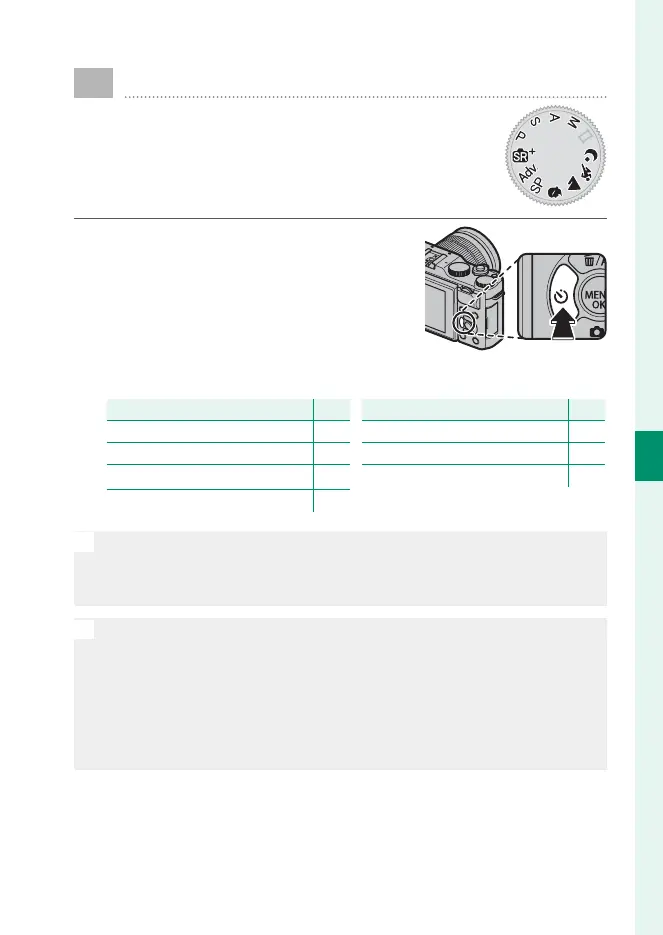
Use the timer for group- or self-portraits, to
prevent blur caused by camera shake, or to
release the shutter automatically when se-
lected conditions are met.
1
Press the selector left (h) to display
self-timer options.
2
Highlight one of the following options and press MENU/OK.
Option
P
R
2 SEC 82
S
10 SEC 82
m
FACE AUTO SHUTTER 83
o
SMILE 83
Option
P
a
BUDDY 84
g
GROUP 84
OFF —
O
Stand behind the camera when using the shutter button. Standing in
front of the lens can interfere with focus and exposure.
The self-timer turns o automatically when the camera is turned o .
N
To stop the timer before the picture is taken, press DISP/BACK.
Selecting m FACE AUTO SHUTTER, o SMILE, a BUDDY, or
g GROUP sets F AF/MF SETTING> FACE/EYE DETECTION
SETTING to FACE ON/EYE OFF. The original setting is restored when
the self timer is turned o .
Self-timer options can also be selected in the shooting menu.



 To Next Page