EN-2 ENGLISH
Changes and Additions
Red-Eye Removal
Red-eye removal is available when an option other
than OFF is selected for F FLASH SETTING> RED
EYE REMOVAL and G AF/MF SETTING> FACE/EYE
DETECTION SETTING is ON. Red-eye removal mini-
mizes “red-eye” caused when light from the ash is
re ected from the subject’s retinas.
Flash Sync Speed
The ash will synchronize with the shutter at shutter
speeds of
/
s or slower.
Optional Flash Units
The camera can be used with optional FUJIFILM
shoe-mounted ash units.
Optional Flash Units
Do not use third-party ash units that apply over
300 V to the camera hot shoe.
F
FLASH SETTING
X-Pro2 Owner’s Manual: P 98
The content of the shooting menu F FLASH FUNC-
TION SETTING item have changed.
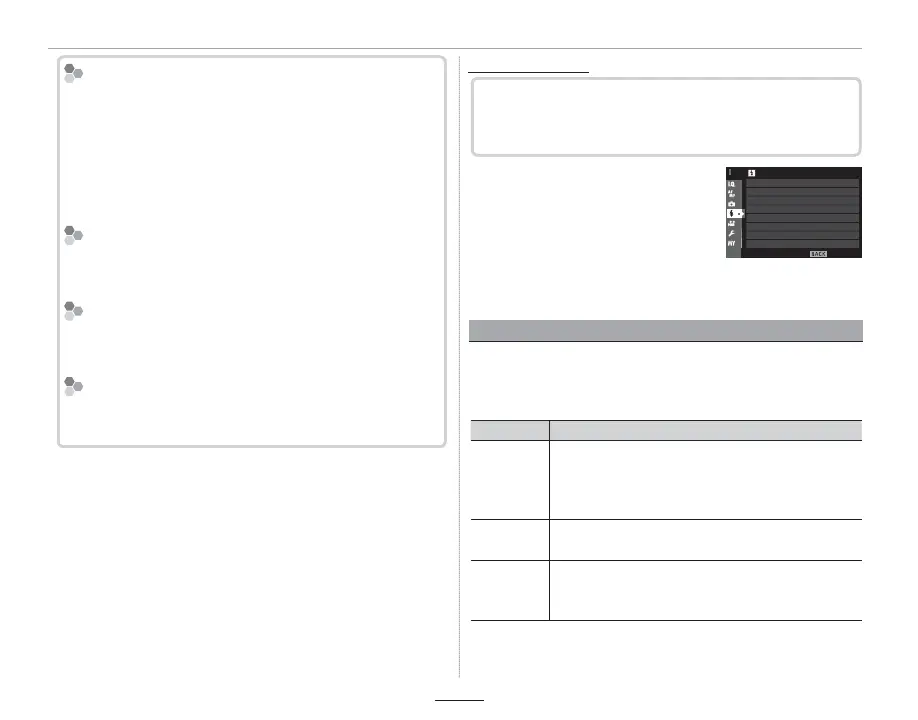
To adjust ash-related settings,
press MENU/OK in the shooting
display and select the F ( FLASH
SETTING) tab.
EXIT
FLASH SETTING
RED EYE REMOVAL
TTL-LOCK MODE
FLASH FUNCTION SETTING
LED LIGHT SETTING
MASTER SETTING
CH SETTING
Q The options available vary with the shooting mode
selected.
FLASH FUNCTION SETTING
Choose a ash control mode, ash mode, or sync mode
or adjust the ash level. The options available vary with
the ash.
Option
Description
SYNC
TERMINAL
Available with units connected via the sync ter-
minal and with third-party and other units that
use only the X-contact on the hot shoe. Also dis-
played if no ash unit is connected (EN-3).
SHOE MOUNT
FLASH
Displayed when an optional ash unit is mount-
ed on the hot shoe and turned on (EN-3).
MASTER
(OPTICAL)
Displayed if an optional ash unit functioning as a
master ash for FUJIFILM optical wireless remote
ash control is connected and turned on (EN-5).
R SYNC TERMINAL will also be displayed if the ash is at-
tached but not raised.



 To Next Page