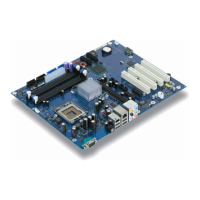
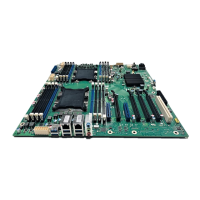
Internal ports and connectors
A26361-D1837-Z120-1-7419, Edition 1 English - 11
Audio front panel
If you want to use the internal connection for the audio front panel for the front side of the system,
then proceed as follows:
► Remove all plug-in jumpers from the audio front panel connection.
► Connect the cable for the audio front panel.
i
If you connect audio devices on both the front and the back of the system, you can only
use the connections Line out and Microphone once each.
If you have connected audio devices to both Line out connections, only the connection on
the front of the system is active.
If you have connected audio devices to both Microphone connections, only the connection
on the back of the system is active.



 To Next Page