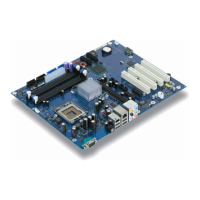
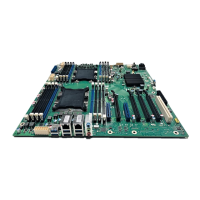
Installing and removing processors
20 - English A26361-D1837-Z120-1-7419, Edition 1
a
► Insert the new processor in the socket so that the marking of the processor is aligned with the
marking on the socket (a).
1
2
3
► Fold down the frame (1).
► Press the lever downward (2) until it is hooked in again (3).



 To Next Page