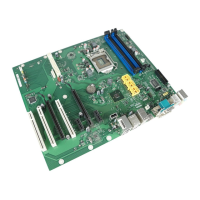
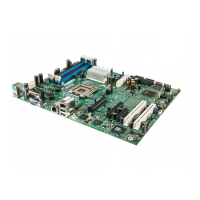
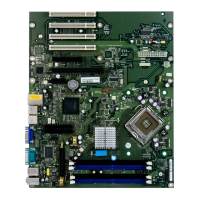
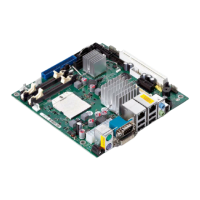
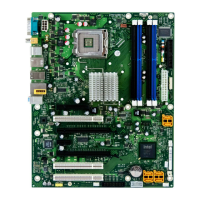
Brief description of the mainboard
Installing/removing main memory
Disconnect the system from the mains voltage before performing a ny of the tasks
described b elow. Details are contained in the operat ing m anual of you r system.
Technical d a ta
Technology
DDR2 400 / 533 / 667 unbuffered DIMM modules 240-Pin; 1.8 V; 64 Bit, no ECC
Total size
256 Mbytes to 4Gbyte DDR2
Module size
256, 512 or 1024 Mbyte for one m
odule
A current list of the memory modules recommended for this mainboard is available
on the Internet at: "
http://ts.fujitsu.com/mainboards".
At least one memory module must be installed. Memory modules with different
memory capacities can be combined.
You m ay use only unbuffered 1.8 V memo ry modu les without ECC .
DDR2 memory modules must meet the PC 2-4200U, PC2-5300U
or PC2-6400U spe cification.
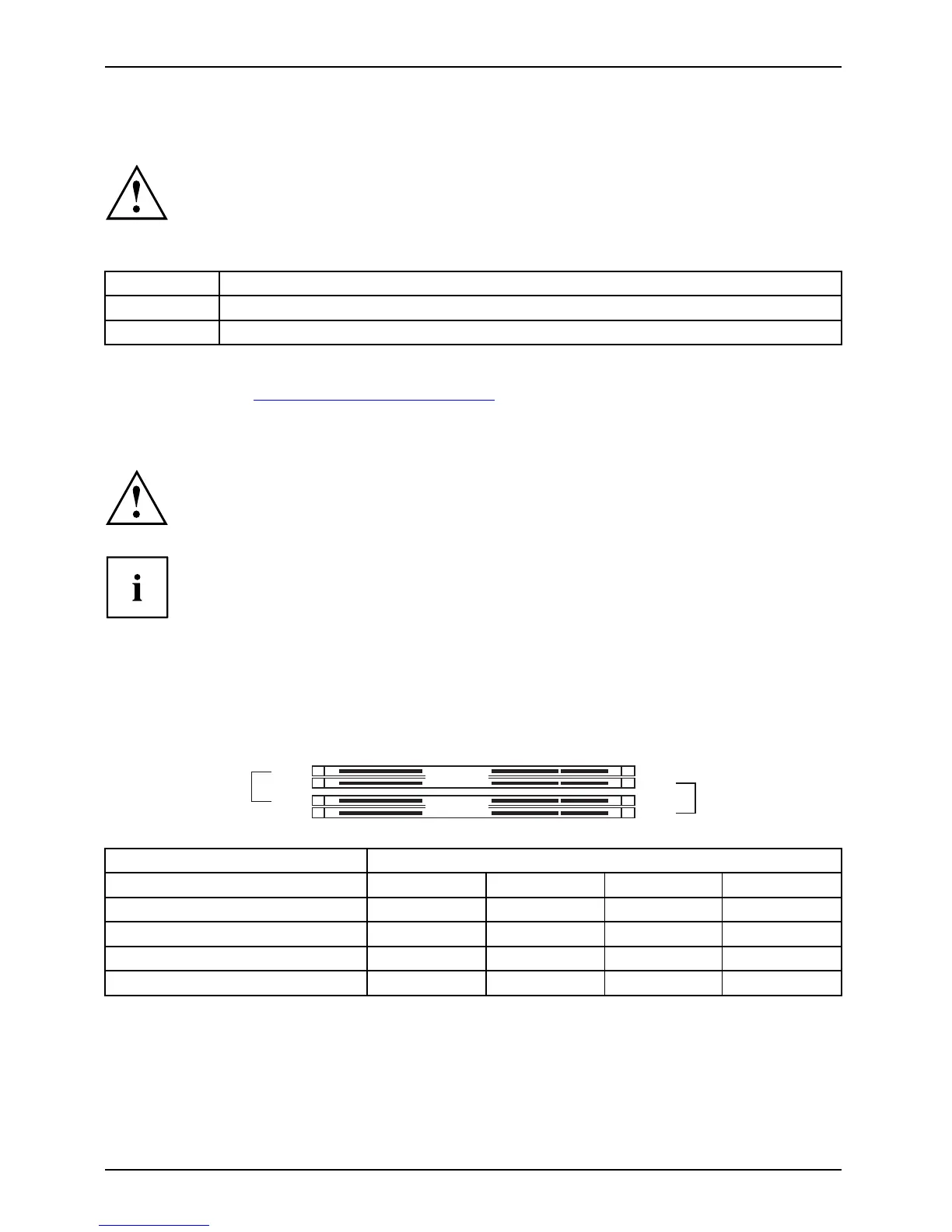
If you use more than one me mory module, then make sure to distribute the
memory modules over bo th memory channels. By doing this you use the
performance advantages of the dual-channel mode.
Maxim um system performance is given when the same memory size
is used in Channel A and Channel B.
To simplify equipping, the slots are colour coded.
With a memory configuration of 4 Gbytes the visible and usable m a in memory can
be reduced down to 3 Gbytes (depending on the system configuration).
Channel B
slot 4
slot 2
Channel A
slot 3
slot 1
Number of inserted m emory modu les
Slot to be used 1 2 3 4
Channel A, slot 1
xxxx
Channel A, slot 3
xx
Channel B, slot 2
xxx
Channel B, slot 4
x
The installation/removal is described in the "Basic information on mainboard" manual.
4 - English A26361-D2151-Z212-1-8N19, edition 1


 To Next Page