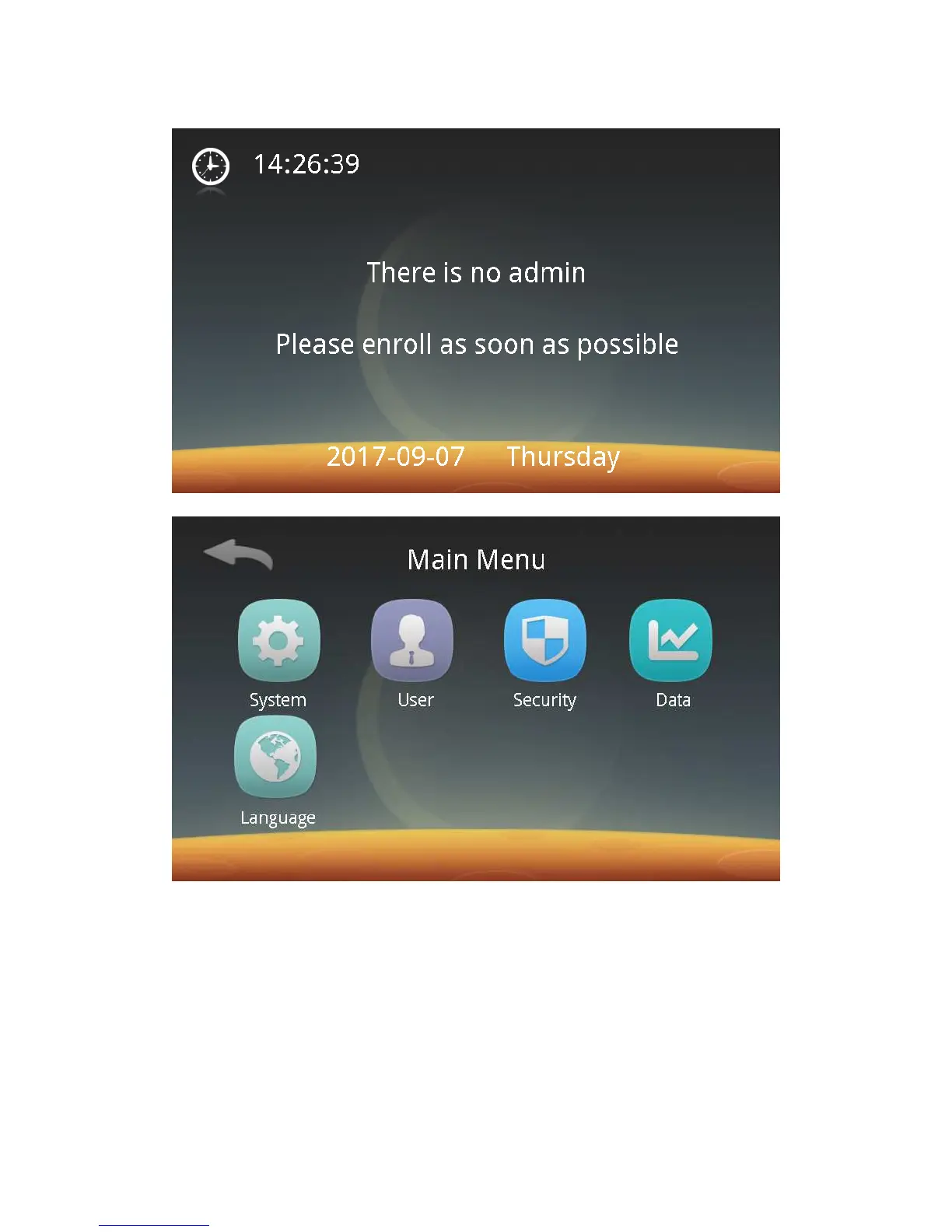
Then enter the main menu screen as follows:
Step 3: Click "Manage" to enter the system settings screen. Click "Work mode"
to enter the screen for selecting a work mode – Palm Vein, Card + Palm Vein, PIN
Code + Palm Vein, or Group No. + Palm Vein mode. Select the work mode to be
used, and then you can register an administrator or user.
1. Palm Vein
2. Card + Palm Vein (recommended)
3. PIN Code + Palm Vein
4. Group No. + Palm Vein
Step 4: After the work mode is selected, click the Back button to enter the
Main Menu screen. Click "User" and "Enroll" in sequence to enter the following user



 To Next Page