Chapter4 Operating Instructions
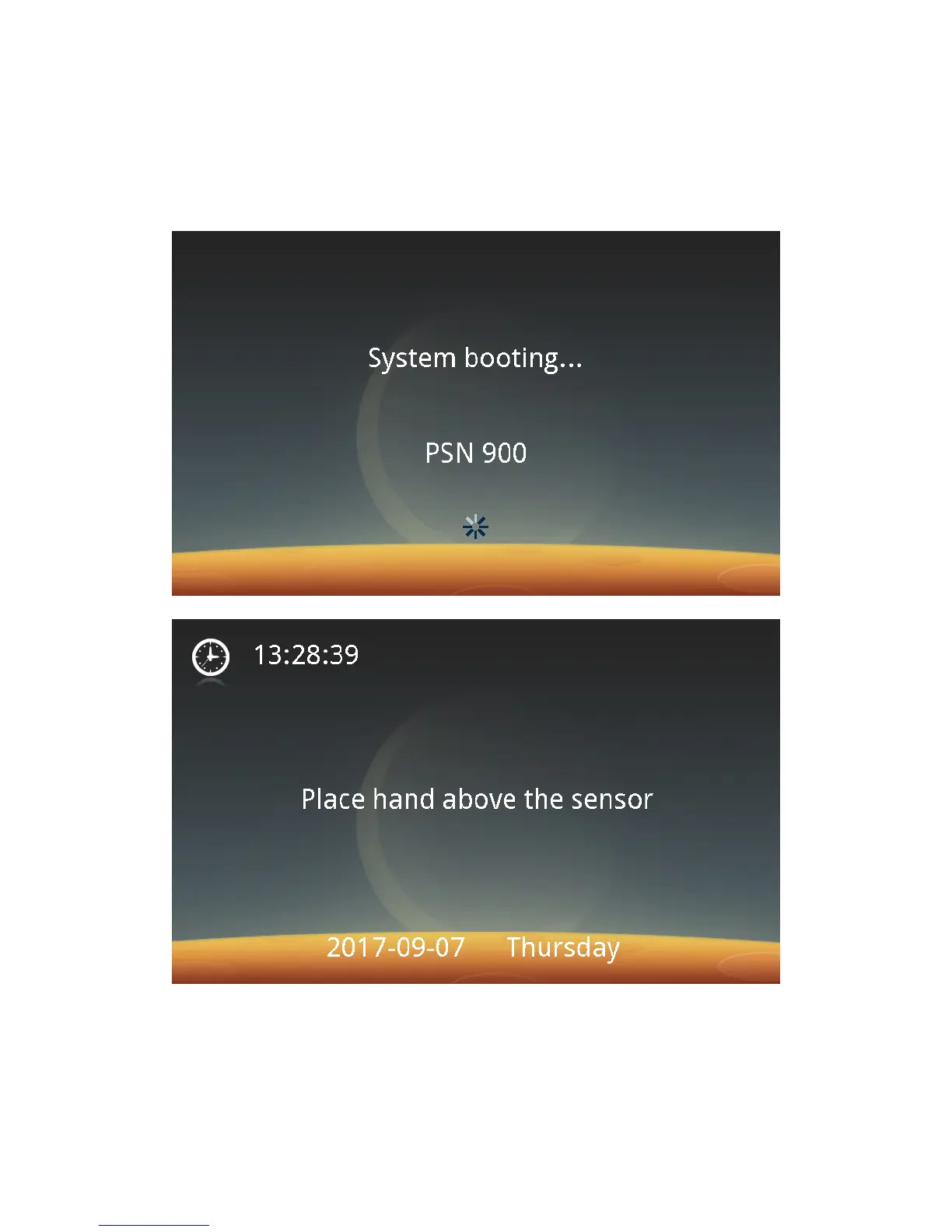
Step 1: Plug in the connection terminals of the power adapter. Turn on the
power supply.The Palm Vein Identification Device boots up and the following
screen appears:
After the boot-up is completed, the idle screen appears.
Step 2: Click the touch screen and then the Management button to enter the
following screen. If no system user is registered as an administrator, it will prompt
that an administrator should be registered duly.
Note: A maximum of 10 administrators can be registered.



 To Next Page