19
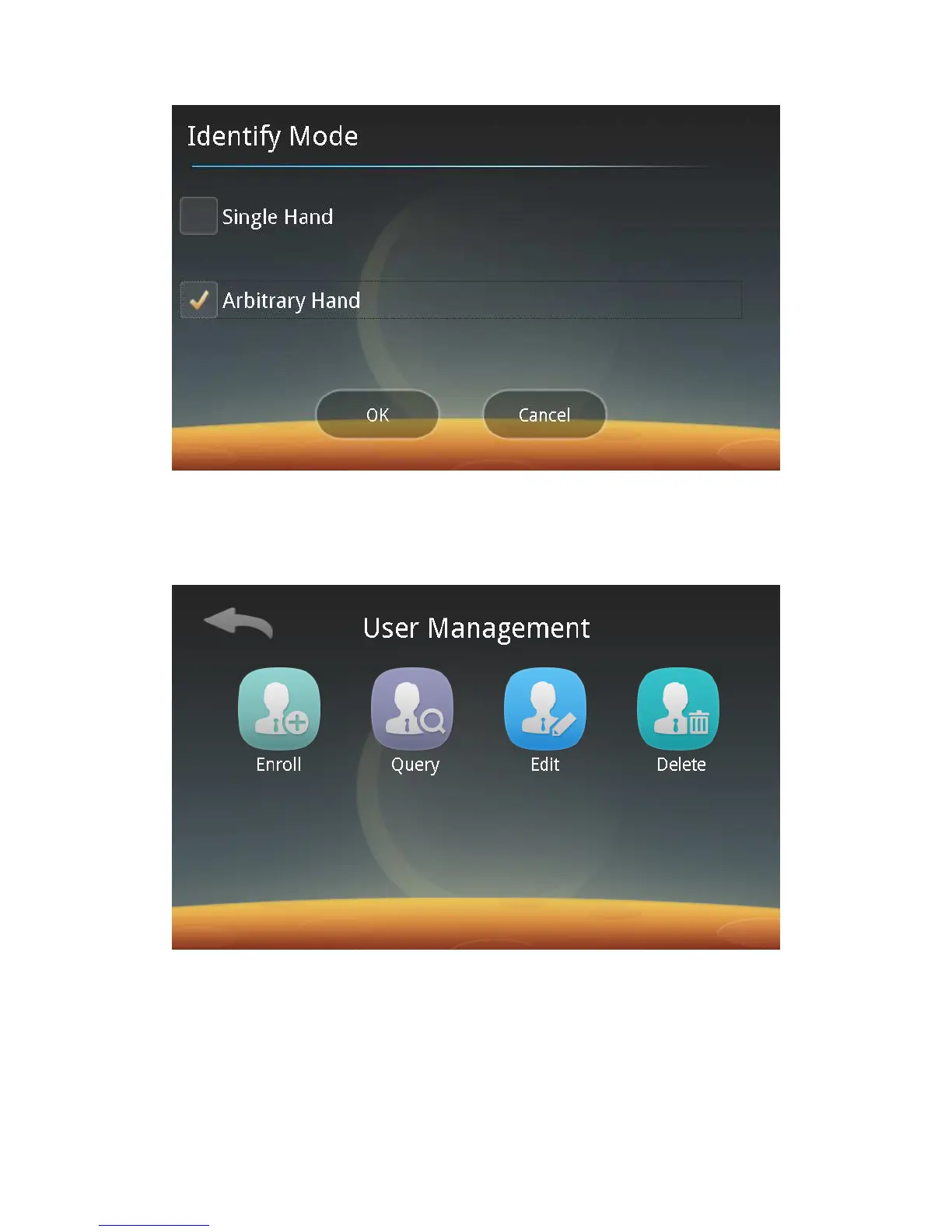
Single-Hand Recognition: During recognition, the hand is compared with the
registered palm first.
Arbitrary -Hand Recognition: Any registered palm can be recognized.
2. User Management:
Click the User Management button to enter the following screen:
You can follow screen prompts to enroll, query, edit and delete users.
1) User Enrollment:
Click “Enroll”. Repeat Step 4, 5 and 6 to register users with different
permissions.
2) Query Users:
You can click “Query” to browse registered users through Precise Search or
Listing.



 To Next Page